StarNet AI Agent: What It Is, How To Set It Up, And Which Brain Actually Scores Best
By Julian Goldie · 2026-10-07 · GoldieBench Blog
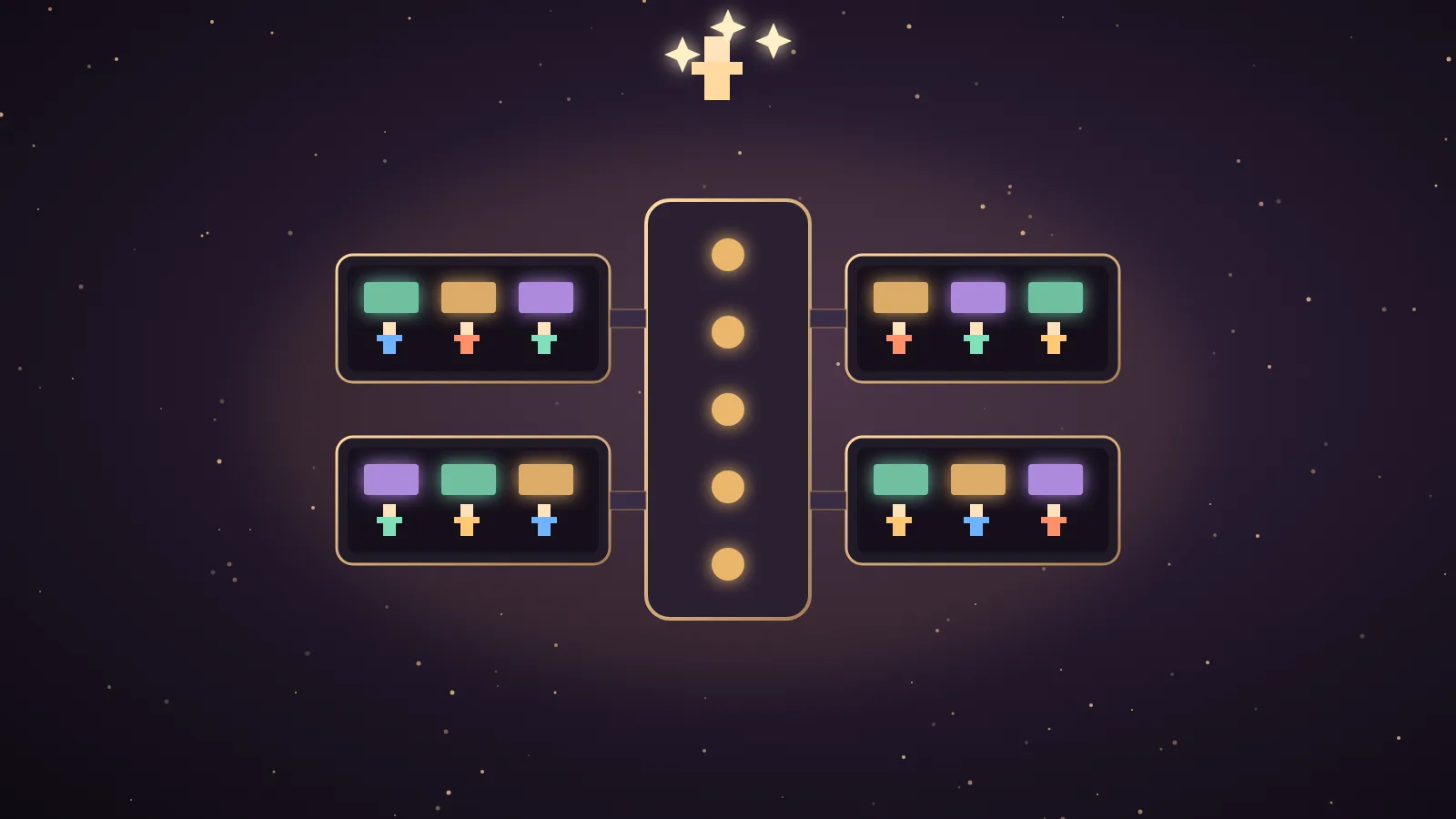
StarNet AI agent is a free, open-source harness where you create real AI agents and watch them work inside a pixel-art space station on your own computer.
The agent itself is only as good as the brain you plug into it.
When I set mine up, I signed in with Grok and picked Grok 4.6 over Grok 4.7, because I actually prefer 4.6 for this kind of chat.
On GoldieBench, though, Grok 4.7 averages 7.15 and Grok 4.6 averages 5.95 on the same twenty game briefs.
So in this post I'll explain what StarNet is, show you how to set it up, walk through every feature, and then use real scores from the board to help you pick its brain.
What the StarNet AI agent is
StarNet is a local-first desktop harness for building and running teams of AI agents.
It was built by Andrew Sims, and the code is on GitHub under the androoAGI account.
The version I tested was v0.13.1, and the code is open source under the MIT License.
Your agents live in a pixel-art space station, and the README says that station is a projection of live runtime state.
A room is a team with certain capabilities, a hallway is a handoff lane, and a placed object is a real capability grant.
The agents make real model calls, use real tools and run up real costs on a paid model.
The project's core rule is that the interface must never show a state the harness cannot prove.
I'll be honest about the practical side too.
In my video I said I think it's fun to play with, and I don't think there's a massive amount of practical use cases yet.
It's still the smoothest office-style agent add-on I've tested, and it feels like a much more fun version of Paperclip.
🔥 Want the exact StarNet agent brain setup I use?
Inside the AI Profit Boardroom I've got the full step-by-step video tutorials, the installable Agent OS, weekly coaching calls and 3,400+ members building real automations.
How to set up a StarNet AI agent
You either download the desktop app for Windows or macOS, or you run it from source with Node.js 18 or newer.
On my machine the source route still needed an npm ci first, even though the README calls it zero-install.
The full install, including the repo, requirements, licence and updates, is in my StarNet GitHub guide.
Once it opens, creating an agent goes like this.
| Step | What you do |
|---|---|
| 1 | Give the agent a name and choose its pixel-art appearance. |
| 2 | Pick a personality from composed, warm, blunt, dry, unhinged or upbeat. |
| 3 | Choose ask for approval or full power. |
| 4 | Connect a brain by signing in or pasting an API key. |
| 5 | Pick the model and a reasoning level of low, medium, high or max. |
| 6 | Create the agent and watch the waking-up animation. |
My agent woke up and said, "I'm awake. Let's give the station a direction."
That took one or two clicks once the brain was connected.
Which brains StarNet supports, and what GoldieBench says about them
StarNet supports sign-ins for Grok, Kimi, ChatGPT through Codex and the Claude CLI, which uses a Claude Code subscription.
It also takes API keys for OpenRouter, Anthropic, OpenAI, Gemini, xAI, Groq, Mistral, DeepSeek, Together, Fireworks, Perplexity and Cerebras.
For free use it runs local models through Ollama.
Here's how the brains you're most likely to plug in score on the live board.
| Brain you can plug into StarNet | GoldieBench average | Scored tasks | How you connect it in StarNet |
|---|---|---|---|
| Claude Opus 5 | 8.27 | 50 | Claude CLI or an Anthropic key |
| GPT-5.6 Sol | 8.16 | 50 | An OpenAI key, or OpenRouter |
| Claude Fable 5 | 8.10 | 47 | Claude CLI or an Anthropic key |
| Grok | 8.09 | 47 | Grok sign-in or an xAI key |
| Kimi K3 | 7.89 | 50 | Kimi sign-in |
| Claude Opus 5.5 | 7.57 | 50 | Claude CLI or an Anthropic key |
| Kimi K2.7 | 7.46 | 47 | OpenRouter |
| Grok 4.7 | 7.15 | 20 | Grok sign-in or an xAI key |
| Gemini 3.6 Flash | 7.08 | 50 | A Gemini key |
| Claude Sonnet 5 | 7.01 | 47 | Claude CLI or an Anthropic key |
| Grok 4.6 | 5.95 | 20 | Grok sign-in or an xAI key |
One caution before you read that table like a league.
The two Grok 4.x rows come from twenty skill-infused game briefs, while most of the other rows come from the full task set.
So compare Grok 4.6 with Grok 4.7 directly, and treat the rest as a wider guide.
Grok 4.6 vs Grok 4.7 inside a StarNet AI agent
This is the comparison I get asked about most, because I picked the lower-scoring one.
| Grok 4.6 | Grok 4.7 | |
|---|---|---|
| GoldieBench average | 5.95 | 7.15 |
| Scored game builds | 20 | 20 |
| Medals | 1 gold | 2 silver and 3 bronze |
| Head-to-head on the same briefs | It lost 14 of the 20 match-ups to Grok 4.7. | It won 14 of the 20 match-ups. |
| Price on the standard tier | $2 in and $6 out per million tokens | $2 in and $6 out per million tokens |
| Context window | 500,000 tokens | 500,000 tokens |
| Standout strength | It repaired 4 of 4 failed games on the first retry when handed the real error. | Its best one-shots were neoncity at 8.7, racing at 8.7 and arcade at 8.6. |
| Known weak spot | Flight sims shipped unflyable on the first pass. | 2 of 20 builds died on load or never moved when played. |
So why do I still prefer Grok 4.6 inside StarNet?
GoldieBench measures one-shot builds, where a model has to ship a whole game in a single HTML file.
A StarNet agent mostly chats, plans, calls tools and takes small actions with you watching.
That's a different job, and the way a model feels in conversation matters more there than how it does on a 40KB game file.
Grok 4.6's self-repair record also suits an agent loop, because agents hit errors and need to fix them.
If your StarNet crew is going to build things, the bench clearly says pick Grok 4.7.
If it's mostly going to talk with you and run small jobs, test both and keep the one you like, because they cost exactly the same.
Local brains for a free StarNet AI agent
The README suggests installing Ollama and pulling a model such as qwen3:8b for a free, private agent.
That exact model isn't on GoldieBench, so I won't pretend to have a score for it.
Here's what the local board says about local models that are on it.
| Local model | GoldieBench average | What it means for a StarNet agent |
|---|---|---|
| Qwable 5 27B Coder | 7.14 | It's the strongest local builder on the board, but it's heavier to run. |
| Agents-A1 | 4.83 | It's agent-tuned and fast, which suits tool-calling loops. |
| Gemma 4 12B MLX | 3.98 | It's light enough for a small machine but much weaker on builds. |
The README is honest that local models are slower and rougher on long tasks.
It also says an 8B model needs about 10 GB of graphics memory while it works, and the model must support tools.
If you want the best results, keep a cloud brain for the agents that do real work and use local models for private, simple chores.
How to use every StarNet feature once the brain is connected
The station view lets you zoom in and out, change the frame and go to full zoom.
Everything you run lives in four docks that you can open, show all at once or drag around.
Your agents level up the more you use them, which feels like a Tamagotchi for an AI agent.
The agent detail panel holds the model, the personality, the instructions, the access permissions for the web and local files, and the approval prompts.
It also has Brief, Growth, History and Memories tabs.
In chat, my agent asked, "What made you want to set up an AI agent?", and I told it SEO and gave it aiprofitboardroom.com.
Chat shows online status and level, the left-hand list switches between idle and online agents, and you can manage projects and sessions.
There's a slight delay when you send a message.
The plus button adds widgets such as connected apps, pinned widgets and a daily brief.
The app catalog, labelled add an ability, has Gmail, Notion and GitHub, plus finding flights, sending physical letters, email and web search through Firecrawl.
The skill market has originals such as ad copy testing and calendar scheduling, and the community can push updates.
The framework library holds procedures like a decision framework, make a plan, humanising content and hard conversation, and you enable or disable each one.
Crew and Recruit give you roles such as strategist, chief of staff, researcher and marketer.
Deploy overwrites an existing agent with that role, while Summon adds a new agent standing next to yours.
Tasks, quests, a work list, builds and a Systems menu all sit in one system.
The README adds messaging from Telegram, Discord, Slack, Signal and Matrix, a Night Shift mode, cron schedules, an OUTBOX for finished files, MCP connectors and real spend ledgers.
Matching the brain to each crew role
Here's how I'd use the scores when you recruit a crew.
| Crew role | What it does | Brain I'd test first | Why |
|---|---|---|---|
| Strategist | Plans and makes decisions | Claude Opus 5 (8.27) | It's the highest single model on this list. |
| Researcher | Gathers facts with web search | Kimi K3 (7.89) | It's tuned for long-horizon agent work and has a 1M context. |
| Marketer | Drafts copy and ideas | Grok 4.6 or Grok 4.7 | Both cost $2 in and $6 out per million tokens, which suits high volume. |
| Builder | Ships pages or small apps | Grok 4.7 (7.15) | It won 14 of 20 head-to-heads against 4.6 on builds. |
| Private helper | Handles sensitive local files | Qwable 5 27B (7.14) | It's the best local option on the board. |
These are starting points, not rules, so swap brains in the agent panel and watch the History tab.
How to test two brains side by side in StarNet
You don't have to trust my table, because StarNet makes it easy to run your own small test.
First, create two agents with the same personality, the same instructions and the same permissions.
Second, connect one to Grok 4.6 and the other to Grok 4.7, or to any two brains from the table above.
Third, set both to ask for approval so neither can act without you seeing it first.
Fourth, give both agents the same small job, such as drafting three content ideas for your website.
Fifth, open each agent's History tab and compare what it actually did, not just what it said.
Sixth, keep the brain that did the job better and swap the other agent onto it in the detail panel.
That's the same idea behind GoldieBench, which gives every model the same prompt and judges the result.
The difference is that your test uses your real job, so it tells you something the board can't.
Keep an eye on spend while you test, because the README says spend and budgets are tracked on disk and shown as they are.
Two agents running the same job means you pay for both calls on a paid model.
If you're on a subscription sign-in like Grok, the cost question changes, so check your plan's limits before you run a big test.
What GoldieBench does not tell you about StarNet
GoldieBench scores models, not harnesses.
I haven't benchmarked StarNet itself, and a station score would be meaningless anyway.
The board can't tell you how smooth the chat feels, how good the permissions panel is or how fun the levelling is.
It also can't measure the slight chat delay I noticed.
What it can tell you is which brain is most likely to ship working output when an agent builds something.
You can compare any of these models side by side on the compare page, and the scoring rules are on the methodology page.
Coming from Hermes Agent?
A viewer was frustrated that StarNet can't use Hermes, and Hermes isn't a brain option.
The README says StarNet can import an existing Hermes or OpenClaw agent, bringing over its persona, instructions, memory and model.
API keys don't transfer, so you re-enter them in StarNet.
Also On Our Network
🌐 the step-by-step StarNet setup for operators
🌐 seven ways a business can use StarNet agents
🌐 our full StarNet review with every feature scored
🌐 the StarNet quick start for an Agent OS
🌐 Julian's Grok 4.7 Agent OS guide with all 20 games
Pick the brain from the scores, test it on a real job, and keep approvals on while you get to know your StarNet AI agent.
FAQ
What is the StarNet AI agent?
StarNet is a free, open-source, local-first desktop harness where you create real AI agents and watch them work inside a pixel-art space station. It supports sign-ins such as Grok, Kimi, ChatGPT through Codex and the Claude CLI, plus API keys and local Ollama models.
Is Grok 4.6 or Grok 4.7 better for a StarNet AI agent?
On GoldieBench, Grok 4.7 averages 7.15 and Grok 4.6 averages 5.95 on the same twenty game briefs, and 4.7 won 14 of 20 head-to-heads. Julian still prefers Grok 4.6 for chatty station agents, and both cost $2 in and $6 out per million tokens, so test both.
Which brain scores best on GoldieBench for StarNet?
Of the brains StarNet can connect, Claude Opus 5 scores highest at 8.27, followed by GPT-5.6 Sol at 8.16, Claude Fable 5 at 8.10 and Grok at 8.09. Kimi K3 scores 7.89.
Is the StarNet local model on GoldieBench?
The README's example, qwen3:8b through Ollama, is not on GoldieBench. The best local model on the board is Qwable 5 27B Coder at 7.14, ahead of Agents-A1 at 4.83 and Gemma 4 12B MLX at 3.98.
Does GoldieBench score StarNet itself?
No. GoldieBench scores models on one-shot builds, not agent harnesses. Use it to choose the brain you plug into StarNet, and judge the harness on your own workflow.
About Julian
I'm Julian Goldie — AI entrepreneur, SEO expert, and founder of the AI Profit Boardroom (3,400+ members).
I help business owners scale with AI agents, automation, and SEO.
400K+ YouTube subscribers. 7-figure AI agency (Goldie Agency). Daily training inside the Boardroom.
Related reading
→ The Best Local Model For Hermes Agent — Decided By 45 Real Builds
→ The Best LLMs For Hermes Agent, Ranked By Real Work
→ The Best Free AI Model For Hermes Agent (All Three $0 Lanes)
🌐 Sister-site take: read this on agentos.guide
Run this stack yourself.
Every demo on this bench was built inside the Agent Operating System — one prompt, one shot, single HTML file out. The Agent OS, the prompts, the templates, the weekly walkthroughs and 3,400+ founders shipping with it every day all live inside the AI Profit Boardroom.
📺 Video notes + links to the tools 👉 AI Profit Boardroom
🆓 Get a FREE AI Course + Community + 1,000 AI Agents 👉 AI Money Lab
🎥 Learn how I make these videos 👉 agentos.guide