GoldieBench Blog · 11 min read
Hermes3D: The Free 3D Office For AI Agents, How It Works, And The Models To Run Behind It
Hermes3D is a free, MIT-licensed 3D office for AI agents. See the repo, the quick-start commands, every feature, the limits and the models to run with it.
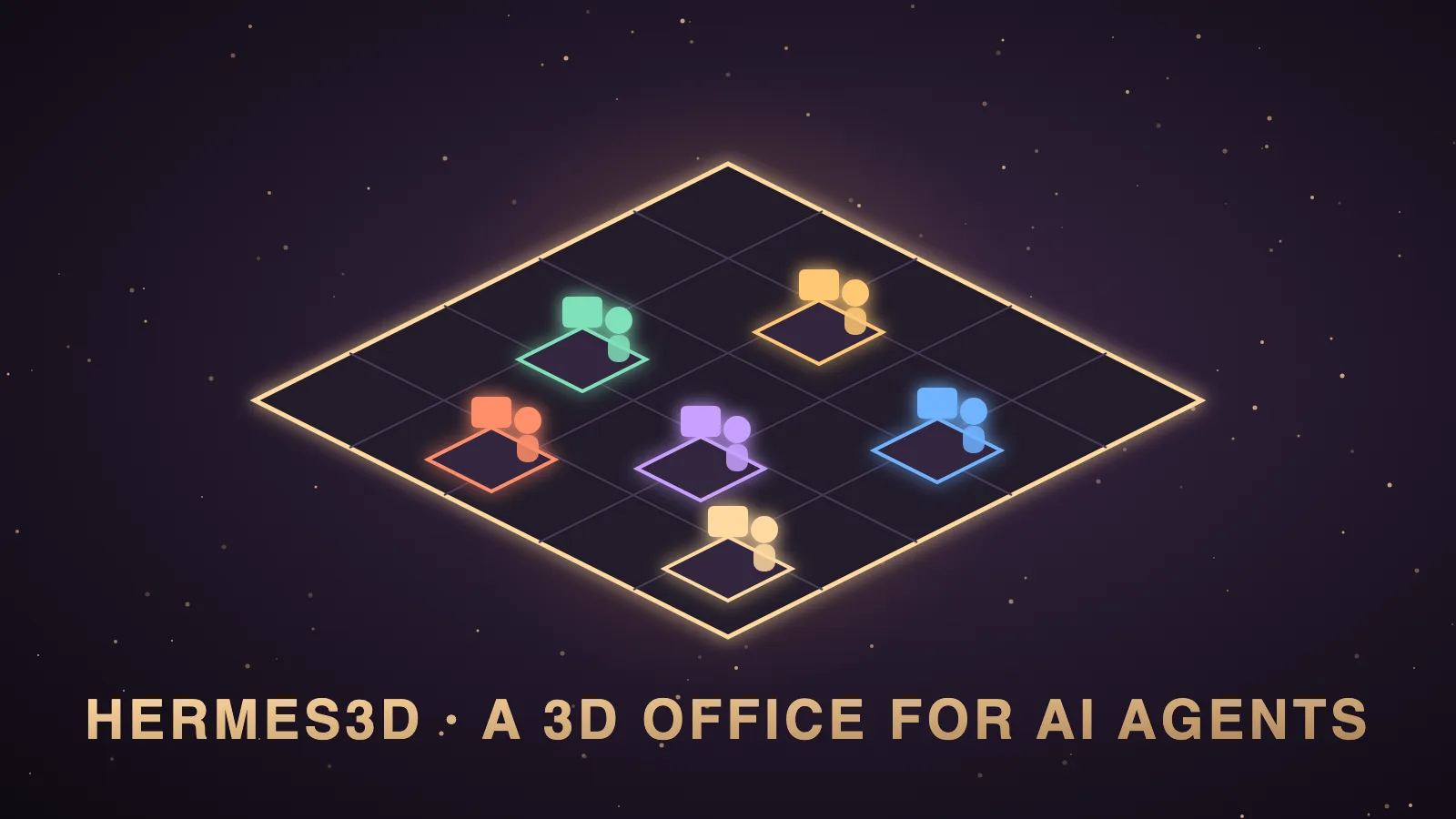
Hermes3D is a free, open-source 3D virtual office for AI agents that you run on your own machine, and the repo is github.com/iamlukethedev/Hermes3D.
It is MIT licensed, and it is an unofficial community project built by LukeTheDev, so it is not made by Nous Research.
The quick start is git clone https://github.com/iamlukethedev/Hermes3D hermes3d, cd hermes3d, npm install, cp .env.example .env and npm run dev, and then you open http://localhost:3000.
I'm Julian Goldie, and I have not tested Hermes3D myself yet.
This is a docs-based guide built from the README, the tutorial and the docs folder, which I read on 14 October 2026.
The video above is my walkthrough of Hermes Pixel Office, which is a different visual office that I have used, because I have not made a Hermes3D video.
In this post I'll cover what Hermes3D is, how it works, how to set it up, every feature and the honest limits, and then I'll look at the models you would run behind it.
What is Hermes3D?
Hermes3D is a screen that turns your AI agents into workers in an office you can walk around.
The README describes it as a "3D virtual office for AI agents" that runs on your own infrastructure.
Most agent tools show you logs, terminal output and dashboards.
Hermes3D shows you desks, rooms and characters instead, so you can see who is busy and who is waiting.
The README says the gateway is only the control plane, and the office is the product.
These are the facts I checked on the repo on 14 October 2026.
| Item | Detail |
|---|---|
| Official repo | github.com/iamlukethedev/Hermes3D |
| Maker | It is built by LukeTheDev, an independent developer who also makes Herald OS. |
| Official status | It is unofficial, and it is not made by Nous Research. |
| Price and licence | It is free and open source under the MIT licence. |
| Language | It is written in TypeScript. |
| Created | The repo was created on 17 August 2026. |
| Releases | There is one release, v1.0.0, dated 20 August 2026. |
| Last push | The last push I could see was on 29 August 2026. |
| Stars and forks | It had 570+ stars and 120+ forks when I checked. |
| Requirements | Node.js 20 or newer and npm 10 or newer are recommended. |
| Stack | It uses Next.js, React, Three.js with React Three Fiber and Drei for 3D, and Phaser for the 2D office. |
The star count moves, so treat it as a snapshot.
Hermes3D is a 3D office for agents, not a game engine
One line on the GitHub page can mislead you.
The repo's short "About" text calls Hermes3D an open-source 3D engine for games and simulations.
I think that line is wrong for what the project actually is.
The README, the tutorial and the vision file all describe a 3D office for watching and steering AI agents.
Nothing in those files is about building games, so I am describing it the way the README does.
Hermes3D is unofficial
The README carries a clear notice.
It calls Hermes3D an independent, community-driven frontend.
It says the project is not affiliated with, endorsed by or maintained by the teams behind the agent backends it connects to.
In plain words, Nous Research does not make it and does not support it.
How Hermes3D works
Hermes3D is the visual and interaction layer, and it needs a backend to show anything.
The repo's vision file says Hermes provides the intelligence and Hermes3D provides the visualisation.
The README says the app uses two network hops.
Your browser talks to the Hermes3D server, which the docs call Studio.
Studio then opens a second connection to the gateway.
The docs describe four backends.
| Backend | How it connects | Best for |
|---|---|---|
| Demo gateway | A built-in mock gateway with demo agents on ws://localhost:18789. | It suits seeing the office with no agent installed. |
| Hermes through the adapter | The bundled adapter calls the Hermes HTTP API at http://localhost:8642. | It suits Hermes running on the same machine. |
| Hermes Agent (direct) | Studio talks to a hermes serve backend with no adapter process. | It suits a remote Hermes host over Tailscale. |
| Custom runtime | Studio proxies a direct HTTP runtime through its own route. | It suits developers with their own orchestrator. |
The README is clear that Hermes3D does not install or build Hermes for you.
How to set up Hermes3D
The README recommends Node.js 20 or newer and npm 10 or newer.
These are its quick-start commands with the repo URL filled in.
git clone https://github.com/iamlukethedev/Hermes3D hermes3d
cd hermes3d
npm install
cp .env.example .env
npm run dev
You open http://localhost:3000 and set the gateway URL and token on the connect screen.
I would run the demo first, because it needs no agent.
npm run demo-gateway
npm run dev
You run those in two terminal windows, connect to ws://localhost:18789 and choose the Demo backend.
The README says the demo gives you demo agents, streaming chat, session previews and office presence.
For a real Hermes agent, you swap the demo gateway for the adapter.
npm run hermes-adapter
npm run dev
You connect to the same address and choose the Hermes backend.
The official Hermes docs say the Hermes API server on port 8642 is off until you enable it and give it a key.
The docs say the demo gateway and the adapter share port 18789, so you only run one at a time.
The port 9119 mistake
The tutorial calls this the most common wrong turn.
Port 9119 is the port the Hermes dashboard prints when it starts.
With the adapter path, Hermes3D cannot connect to it, because the tutorial says that port speaks a different protocol.
You point Hermes3D at the adapter on port 18789 instead.
The repo has a diagnostics command, npm run doctor, and the tutorial says it flags this mistake.
What you can do inside Hermes3D
The README lists these features, and I have not tested them.
| Feature | What the README says it does |
|---|---|
| 3D office | You watch agents work in real time in a shared office with desks, rooms and animations. |
| 2D pixel office | You get a Gather-style pixel view of the same agents for low-power machines. |
| Fleet and chat | You manage agents and chat with them, with updates streamed from the gateway. |
| Approvals | You handle approvals in the same app as chat and settings. |
| Standups | You run standups with agents connected to GitHub and Jira. |
| Pull requests | You review pull requests from inside the office. |
| QA and logs | You monitor QA pipelines and logs without leaving the workspace. |
| The gym | You train agents in the gym to develop new skills. |
| The janitor | You reset sessions and clean context with the janitor system. |
| Office builder | You edit and publish office layouts at /office/builder. |
| Voice replies | You can add your own ElevenLabs keys to enable voice replies. |
| SOUNDHERMES | You get a Spotify jukebox inside the office. |
You switch to the 2D pixel office in Settings under Office renderer, or with the 2D button in the office toolbar.
The repo's code also contains a kanban screen, although the README does not document it.
There is an optional bridge plugin that makes the office react to chats you have in the Hermes desktop app, the TUI or the CLI.
The docs say that plugin only observes, so it never changes or delays a conversation.
The orchestration tools in Hermes3D
This section matters for the model question later.
The adapter docs say the main Hermes agent can act as an orchestrator with these tools.
| Tool | What the adapter docs say it does |
|---|---|
spawn_agent | It creates a specialist sub-agent. |
delegate_task | It sends work to a specific agent. |
list_team | It lists active agents with their names and roles. |
configure_agent | It updates an agent's name, role, instructions or settings. |
dismiss_agent | It removes an agent from the team. |
read_agent_context | It reads another agent's recent conversation for coordination. |
The docs say sub-agents appear in the office as separate characters and keep their own conversation state.
Remote access and security in Hermes3D
The docs cover remote use in detail.
You can publish the gateway on a private network with Tailscale Serve and use the wss:// address in Studio.
You can forward port 18789 over SSH instead and keep using the local address.
The README tells you to set STUDIO_ACCESS_TOKEN before Studio is reachable beyond localhost.
It tells you to set UPSTREAM_ALLOWLIST in production, which restricts the gateway hosts Studio may proxy to.
The README also says the gateway URL and token are loaded into browser memory at runtime, so the browser is part of your trust boundary.
The honest limits of Hermes3D
The README lists its own limits.
The office and the builder are still separate stacks.
The gateway URL and token sit in browser memory while you are connected.
Voice transcription is not bundled, and that endpoint returns a "not implemented" error.
Spotify sign-in for SOUNDHERMES stores an access token only, so you may need to repeat it.
The feature for linking two offices is labelled a beta.
I would add two limits of my own.
The project has one release and no pushes since late August 2026, so check the repo for activity before you rely on it.
I have not tested it, so I cannot tell you how stable it is on a real machine.
Hermes3D next to the Hermes tools I have used
I have used the other three tools in this table on my own machine.
| Tool | What it is | My hands-on status |
|---|---|---|
| Hermes3D | A 3D office with a 2D mode, by LukeTheDev. | I have read the docs, and I have not tested it. |
| Hermes Pixel Office | A pixel office plugin by Teknium. | I have used it and made a video on it. |
| Herald OS | An OS-style Hermes front-end from the same developer. | I have used it, and it is an alpha. |
| Hermes Desktop | The official app from Nous Research. | I have used it, and it is my safest pick. |
My ranked list of interfaces is in the best Hermes Agent UI post, and my Herald OS write-up is in the Herald OS post.
The sibling posts from this batch are Hermes Agent dashboards and the best UI for Hermes Agent.
Hermes3D doesn't ship its own model, so the brain is your choice
Here is the part an interface guide usually skips.
Hermes3D does not come with an AI model.
It does not come with an agent either, because it is only the visual layer.
The model is whatever your Hermes install is connected to.
The example settings file has a model name field for the adapter, but that is only a label for the Hermes API.
The real choice of brain happens inside Hermes.
That matters more in Hermes3D than in a simple chat window.
The office is built around a main agent that spawns specialists, delegates tasks and reads other agents' context.
A weak model plans badly, hands work to the wrong agent and produces broken builds.
A 3D office will show you that failure clearly, but it will not fix it.
What GoldieBench can and cannot tell you about Hermes3D
I want to be honest about the limits of my own leaderboard here.
GoldieBench gives every model the same one-shot prompt to build a game, a page, a simulation or a visual, and then I score the rendered result from 0 to 10.
The methodology page explains how each build is scored.
That is a good measure of raw building ability.
It does not measure orchestration, delegation or long sessions with many tool calls.
It does not measure Hermes3D at all, because the board scores models and Hermes3D is an interface.
Nobody has benched a model inside Hermes3D on the board, and I won't pretend otherwise.
So the scores below tell you how well a model builds, which is the last step of most agent jobs.
The models I would look at for a Hermes agent behind Hermes3D
These are live averages from the board on 14 October 2026, and each link opens the model's full page.
| Model | Live avg | Builds scored | Why it could suit an agent office |
|---|---|---|---|
| Claude Opus 5 | 8.27 | 50 | It is the highest-scoring single model on the board. |
| Hermes MoA | 8.17 | 47 | It is the Hermes-native mixture of agents, which you can pick inside Hermes. |
| GPT-5.6 Sol | 8.16 | 50 | It is the strongest OpenAI model I have benched. |
| Qwen 3.8 | 8.10 | 45 | It is a high scorer with a near-full run. |
| MiniMax M3 | 7.97 | 47 | It is strong and cheap, which suits a crew of sub-agents. |
| Kimi K3 | 7.89 | 50 | It is a solid all-rounder. |
| GLM-5.2 | 7.77 | 47 | It has open weights, so you can also self-host it. |
I have not run any of these inside Hermes3D, so treat the table as a starting point and not a result.
The Hermes-specific breakdown is in the best Hermes Agent model ranking and the best LLMs for Hermes Agent.
A free brain for a free office
Hermes3D is free, so some of you will want the model to be free too.
The strongest local model I have benched is Qwable 5 27B Coder, with a live average of 7.14 across 41 builds on my own Mac.
A local model keeps your data on your machine, which fits a self-hosted office.
The trade-off is speed, because local models are slower and an office full of sub-agents multiplies the wait.
The local models board shows everything I have run locally, and the best local model for Hermes Agent goes deeper.
I have not tested a local model with Hermes3D.
How I would choose a model for Hermes3D
I would start with the model my Hermes install already uses, because Hermes3D costs nothing to add.
If the main agent keeps delegating badly, I would move the orchestrator to a stronger model first.
If cost is the problem, I would keep a strong orchestrator and put cheaper models on the sub-agents.
I would not pick on score alone, because one-shot builds and long multi-agent sessions are different skills.
You can put any three models side by side on the compare page.
Who should try Hermes3D
You should try it if you already run Hermes and you want to see your agents instead of reading logs.
You should run the demo if you are curious, because it needs no agent and no account.
You should wait if you are new to agents, because getting one agent working comes first.
You should also wait if you need a tool with official support or regular releases.
Also On Our Network
- Agent Operatorsthe step-by-step Hermes3D setup for operators
- AI Income Deskseven ways a business could use Hermes3D, labelled honestly
- AI Tool Verdictevery Hermes3D feature explained, with a docs-based verdict
- agentos.guidethe Hermes3D quick start and where it fits in an Agent OS
- agentos.guidemy ranked guide to the best Hermes Agent UI
Run the demo, pick the brain from the live board and check the repo for activity before you depend on it, and you will get an honest first look at Hermes3D.
FAQ
What is Hermes3D?
Hermes3D is a free, open-source 3D virtual office for AI agents that you run on your own infrastructure. Agents appear as workers in an office, and the docs say you can chat with them, handle approvals and watch their activity. It is MIT licensed and built by LukeTheDev.
How do I install Hermes3D?
Clone github.com/iamlukethedev/Hermes3D, then run npm install, cp .env.example .env and npm run dev, and open http://localhost:3000. For the demo, also run npm run demo-gateway, connect to ws://localhost:18789 and choose the Demo backend.
Does Hermes3D come with its own AI model?
No. Hermes3D is only the visual layer, so it has no model and no agent of its own. The model is whatever your Hermes install is connected to.
What is the best model to run behind Hermes3D?
Nobody has benched a model inside Hermes3D on GoldieBench. On one-shot builds, Claude Opus 5 averages 8.27, Hermes MoA averages 8.17 and GPT-5.6 Sol averages 8.16. Start with the model your Hermes install already uses.
Is Hermes3D on the GoldieBench leaderboard?
No. GoldieBench scores models on one-shot builds, and Hermes3D is an interface. The scores show how the models behind an agent build, not how Hermes3D performs.
Is Hermes3D made by Nous Research?
No. The README calls it an unofficial, independent, community-driven frontend that is not affiliated with or endorsed by the teams behind the backends it connects to.
Has Julian tested Hermes3D?
No. This guide is based on the repo's README, tutorial and docs, read on 14 October 2026. The repo has one release, v1.0.0 from 20 August 2026, and no pushes since 29 August 2026, so check it for activity before relying on it.
Keep reading
 Hermes Herald AI Agent: Which Brain To Run It On, With Real GoldieBench Scores
 Herald OS: What It Is, How To Set It Up, And Which Benchmarked Models To Run Under It
 Hark AI Agent: What It Is, The Model Behind It, And How Those Brains Score On GoldieBench
🌐 Sister-site take: read this on agentos.guide