GoldieBench Blog · 9 min read
Hermes Cua: What The Plugin Is, How To Set It Up, And The Models To Run Inside A Space
Hermes Cua explained: what the cua-spaces plugin does, how to install it, every setting, its limits, and which GoldieBench-scored models to run in a Space.
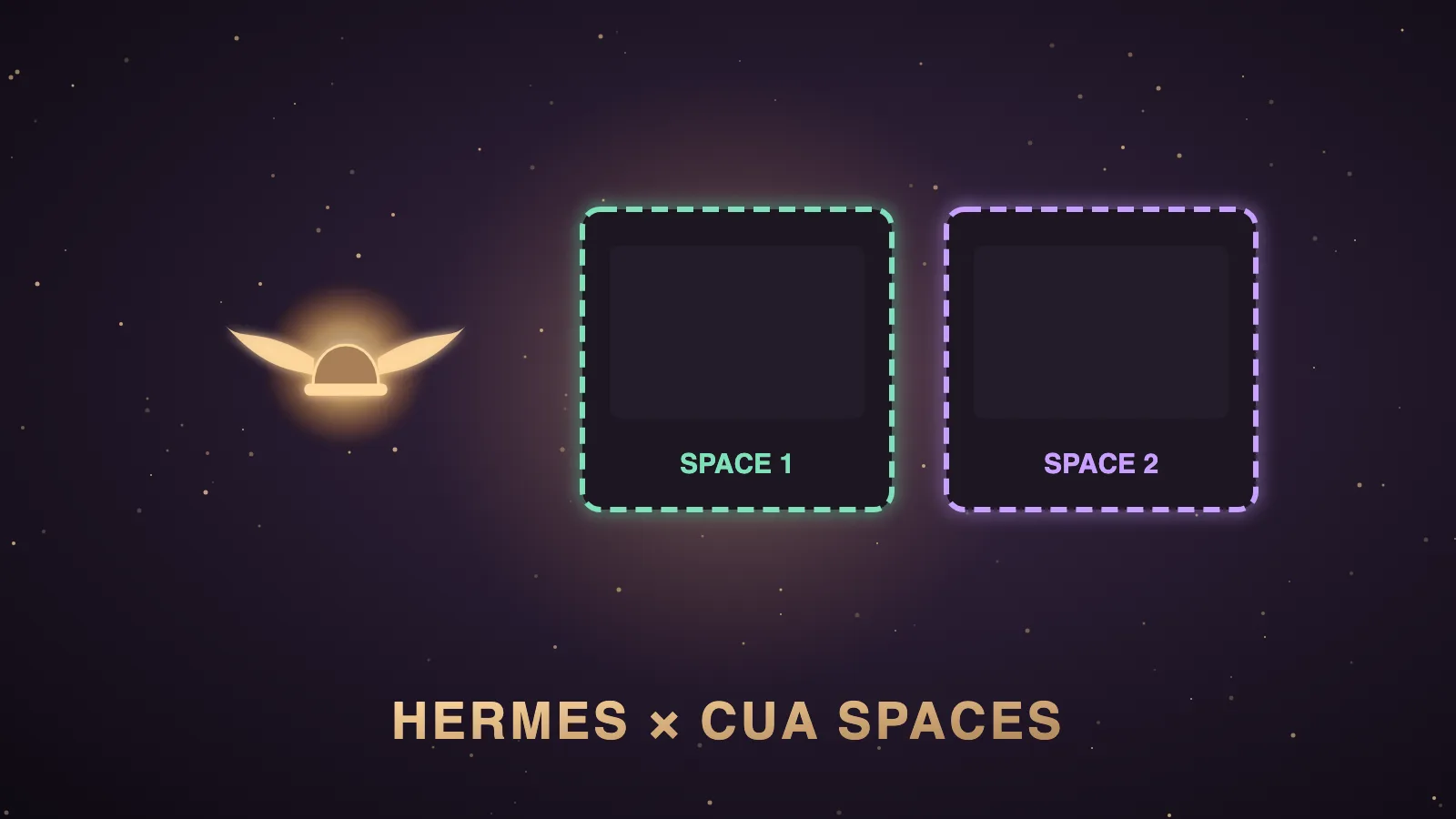
Hermes Cua is Cua's cua-spaces plugin for Hermes Agent, and it runs Hermes's terminal, file and code tools inside a Cua Space instead of on your own computer.
A Cua Space is an isolated Linux, macOS or Windows machine that you can watch live, on your own hardware or in your own cloud account.
Hermes Agent is the free, open-source agent from Nous Research, and the plugin was listed as "Verified" in the official Hermes plugin catalog on 20 October 2026.
I'm Julian Goldie, and in this post I'll explain how the plugin works, how to install it and what every setting does, and then I'll show you how the models you'd run with it score on GoldieBench.
My video is a news walkthrough with Cua's own demo footage, and I haven't run the plugin myself yet, so everything here comes from Cua's README, the catalog page and Nous's docs.
Hermes Cua at a glance
This table sums up the plugin from its catalog page and README.
| Item | Detail |
|---|---|
| What it is | It is a terminal backend plugin called cua-spaces, maintained by trycua. |
| What moves into the Space | The terminal, background processes, the file tools and execute_code move into the Space. |
| What can follow on Hermes 0.22.3 and later | Bot Desktop, computer_use and the browser can follow the terminal into a Linux Space. |
| Default behaviour | Each run makes its own Space named hermes-<task>-<random> and deletes it at the end. |
| Requirements | It needs Hermes 0.21.6 or newer, and it runs on Linux, macOS and Windows. |
| Licence and version | It is MIT licensed, and the catalog shows version 0.4.0. |
| Model | It ships no model, so the brain is whichever model your Hermes profile uses. |
What is Hermes Cua?
Hermes still runs where it runs today, which is usually your laptop or a server.
When it needs to run a command, write a file or execute code, the plugin sends that work into the Space instead of your computer.
Because the Space is the sandbox, Hermes skips its risky-command prompts for Spaces the plugin creates.
That's the old-way-versus-new-way shift from my video.
The old way is an agent on your machine where you approve every risky command and can't walk away.
The new way is a throwaway computer for every run that disappears when the job is done.
Nous's computer-use docs also say Hermes's built-in computer_use toolset already drives cua-driver from the same trycua project, so Cua isn't new to Hermes.
For the wider picture of where Hermes runs commands, see my Hermes Agent sandbox explainer.
How do you install Hermes Cua?
These are the README's exact commands.
curl -fsSL https://cua.ai/install.sh | sh
cua auth login
hermes plugins install https://github.com/trycua/hermes-cua-spaces
hermes config set terminal.backend cua
The cua auth login step is only needed for Spaces on your cua.ai account, and a local Space needs no sign-in.
The catalog page also shows hermes plugins install cua-spaces as a short form.
Hermes asks to install one Python package called cua, and the README says to answer yes to that and to enabling the plugin.
The first Space takes a few minutes while Cua downloads the machine image.
You check it by asking Hermes to run hostname and cat /etc/os-release, and you should see the Space's name and Ubuntu.
Every Hermes Cua setting
The settings live under plugins.entries.cua-spaces.settings in config.yaml, and you change them with hermes config set.
| Setting | Default | What it does |
|---|---|---|
space | create | It makes a Space for you, or uses the name or id of a Space you already have. |
on | Your Cua default | It sends a new Space to local, cloud, host:<machine> or one of your machine names. |
image | linux | It picks Ubuntu with a desktop, or windows for a Windows Space. |
desktop | false | It installs what Bot Desktop, computer_use and the browser need into a Linux Space. |
delete_on_exit | true | It deletes a Space the plugin made when Hermes finishes, and never deletes a Space you named. |
create_timeout | 600 | It sets how many seconds to wait for a new Space to be ready. |
The environment variables HERMES_CUA_SPACE, HERMES_CUA_ON, HERMES_CUA_IMAGE and HERMES_CUA_DESKTOP override those settings for one shell.
With delete_on_exit set to false, the plugin reuses one Space called hermes-default, so files survive between sessions.
With a Space you named yourself, Hermes keeps asking before risky commands, because that Space is your machine rather than a throwaway one.
Watching, taking over and running in parallel
You open the Cua Spaces app and click a Space to watch its desktop while Hermes works.
In a terminal, cua spaces ls lists your Spaces and cua viewer serves a browser viewer for all of them.
You can click in the viewer to take over, and the README says Hermes keeps working next to you.
Two Hermes runs at once get two Spaces and never touch each other's files.
For named Spaces per profile, the README uses HERMES_CUA_SPACE=build-a hermes --profile a and HERMES_CUA_SPACE=build-b hermes --profile b.
Computer use inside the Space
The catalog says that on Hermes 0.22.3 and later, Bot Desktop, computer_use and the browser follow the terminal into the Space.
The README limits that to Linux Spaces with the cua command on your PATH at 0.7.0 or newer and the desktop stack inside the Space.
You install the stack once with hermes config set plugins.entries.cua-spaces.settings.desktop true, which adds TigerVNC, Playwright Chromium, agent-browser and cua-driver.
macOS and Windows Spaces keep those tools on your own machine.
The sibling post on the Hermes computer use skill explains the tool itself.
Two more ways to use Cua with Hermes
The README lists two routes that need no plugin.
The first adds cua mcp as an MCP server in ./.hermes/config.yaml, so Hermes can create Spaces, run commands, drive desktops and delete Spaces as tools.
The second runs Hermes itself inside a Space with cua agent create ada --harness hermes --in local:dev --env-from-host OPENAI_API_KEY, and Hermes keeps its memory in your Cua Volume.
Limits and privacy
- The first Space of each image is slow because Cua downloads the machine image.
- Computer use only follows the agent into Linux Spaces on new enough Hermes builds.
- A Windows Space on an Apple silicon Mac runs by emulation and is slow, according to the README.
- With a local Space nothing leaves your machine, while remote and cloud Spaces go through Cua's encrypted relay or your own network.
- The plugin never stores a token, doesn't sync your skills or credentials, and adds no telemetry of its own.
- The cua package has its own anonymous telemetry, which cua telemetry off or CUA_TELEMETRY=0 turns off.
Who is behind Cua?
Cua's Y Combinator page lists it in the Spring 2025 batch in San Francisco, with Francesco Bonacci as founder and CTO.
Its original YC launch post says its Lume virtual machines run at up to 97% of native CPU speed on Apple Silicon.
The trycua/cua repository is MIT licensed and had about 30,700 stars and 2,200 forks on 23 October 2026.
Cua's README also mentions a limited launch offer on Spaces Pro and Teams for Hermes users, for the first 50 people until 15 November, with the details on the plugin's GitHub page.
Common first-run problems and fixes
The plugin explains its errors in plain words, and the README pairs each one with the next command to run.
| What you see | What to do |
|---|---|
| Cua did not accept your sign-in. | Run cua auth login again. |
| Cua can't find the Space. | Run cua spaces ls, then fix the space setting or set it back to create. |
| Cua can't start a Space here yet. | Run cua doctor to see what is missing. |
The cua Python package is not installed. | Run hermes pm repair. |
| A Windows Space has no Git for Windows. | Run winget install --id Git.Git -e in the Space's PowerShell and start Hermes again. |
If the cua command is missing or too old, Hermes says the screen can't follow the terminal, and bot_desktop.placement: gateway runs the screen on your machine instead.
Who should use Hermes Cua?
- You should use it if you want Hermes to run unattended jobs without touching your real files.
- You should use it if you run several Hermes profiles at once and want each one on its own computer.
- You should use it if you have a spare Mac or Linux box that could become the agent's computer.
- You should wait if you need computer use on macOS or Windows, because that part stays on your own machine for now.
Does Hermes Cua come with its own model?
No, Hermes Cua doesn't ship a model at all.
The plugin only decides which computer the work happens on, and the brain is the model in your Hermes profile.
That matters, because a throwaway computer makes a weak model safer but doesn't make it smarter.
Nous's computer-use docs say computer_use works with any tool-capable model, and their compatibility table rates Anthropic's Claude models as best overall.
The same table says OpenAI, Google Gemini, any OpenRouter vision model and local vision models all work, while text-only models work in a degraded mode that reads the accessibility tree instead of screenshots.
How the likely brains score on GoldieBench
GoldieBench doesn't test desktop control or Cua Spaces.
It scores one-shot builds, which is close to the coding work a Hermes agent does inside a Space with its terminal and file tools.
These averages come from the live model pages on goldiebench.com, checked on 23 October 2026.
| Model | GoldieBench average | Scored tasks | How it fits Hermes Cua |
|---|---|---|---|
| Claude Opus 5 | 8.27 | 50 | It is the strongest single model on the board, and Nous rates Claude best overall for computer use. |
| Hermes MoA | 8.17 | 47 | It is Hermes's own Mixture of Agents setup, which merges a panel of frontier models. |
| GPT-5.6 Sol | 8.16 | 50 | It is OpenAI's flagship, and the docs list GPT-5 models as working with computer use. |
| Kimi K3 | 7.89 | 50 | It is a strong builder for the terminal and file work inside a Space. |
| GLM-5.2 | 7.77 | 47 | It is another solid builder for coding jobs in a throwaway Space. |
| Claude Opus 5.5 | 7.57 | 50 | It is a newer Claude that sits lower than Opus 5 on this board. |
| Gemini 3.6 Flash | 7.08 | 50 | It is a fast option, and the docs list Gemini 2 and later as working. |
| Claude Sonnet 5 | 7.01 | 47 | It is a cheaper Claude for lighter runs. |
| Qwable 5 27B Coder | 7.14 | 41 | It is the best local model on the board for one-shot builds. |
| Gemma 4 12B on MLX | 3.98 | 45 | It is a lightweight local model that suits simple helper jobs. |
The last two rows are local models you run on your own machine.
Check a model's own card for image input before you rely on it for computer use, because a text-only brain falls back to the accessibility tree.
The full local picture is on the local models board.
Which model I'd put in each Space
Because every profile can have its own Space, you can also give each profile its own model.
I'd put the strongest model I can afford on the profile that builds or edits client work, because mistakes there cost the most time.
I'd use a cheaper model for research or tidy-up profiles, because the throwaway Space already limits the damage a weak run can do.
For desktop and browser jobs, I'd start with a Claude model, because that's what Nous's own table rates best overall.
The v0.22 context is in my Hermes Agent v0.22 explainer, and my Hermes Agent MCP server post covers the cua mcp side.
If you want help planning where agents fit your SEO business, you can book a free SEO strategy session with my team.
Verdict
Hermes Cua is the cleanest way I've seen to give Hermes a disposable computer you can watch, and its main limit is that computer use only follows the agent into Linux Spaces.
Pair it with a strong model from the live board and you get a safer agent that's also a capable one.
Also On Our Network
- Agent Operatorsthe three-step Hermes Cua setup walkthrough
- AI Income Deskseven ways a business uses Hermes Cua throwaway computers
- AI Tool Verdicttwelve Hermes Cua features, scored with a verdict
- agentos.guidethe Hermes Cua quick start for an Agent OS
- agentos.guidethe Hermes Agent sandbox quick start on agentos.guide
If you run an agency and want a clear plan for putting agents to work on client SEO, you can book a free strategy session with my team.
Give every run its own throwaway computer and pick the brain from the live board, and you'll get the most out of Hermes Cua.
FAQ
What is Hermes Cua?
Hermes Cua is Cua's cua-spaces plugin for Hermes Agent. It adds a terminal backend that runs Hermes's terminal, file and code tools inside a Cua Space, which is an isolated Linux, macOS or Windows machine you can watch live.
How do I install Hermes Cua?
Run curl -fsSL https://cua.ai/install.sh | sh, run cua auth login if you want Spaces on your cua.ai account, install the plugin with hermes plugins install https://github.com/trycua/hermes-cua-spaces, then run hermes config set terminal.backend cua.
Does Hermes Cua come with its own AI model?
No. The plugin only decides which computer the work runs on, and the brain is the model in your Hermes profile. On GoldieBench, Claude Opus 5 averages 8.27, Hermes MoA 8.17 and GPT-5.6 Sol 8.16.
Which model is best for computer use with Hermes Cua?
Nous's computer-use docs rate Anthropic's Claude models as best overall, and say OpenAI, Gemini, OpenRouter vision models and local vision models also work. Text-only models work in a degraded accessibility-tree mode.
Does Hermes Cua need a Cua account?
No. The README says a local Space needs no sign-in, and cua auth login is only needed for Spaces on your cua.ai account.
Does computer use run inside a Cua Space?
On Hermes 0.22.3 and later it does in Linux Spaces, with the cua command at 0.7.0 or newer and the desktop stack installed. In macOS and Windows Spaces, computer use stays on your own machine.
Keep reading
 Hermes Herald AI Agent: Which Brain To Run It On, With Real GoldieBench Scores
 GEO Examples: Four Real AI Overview Wins, The Three Moves Behind Them, And The Models Writing The Answers
 Best Generative Engine Optimization Agency: Seven Picks By Region, And How The Models Behind AI Answers Score
🌐 Sister-site take: read this on agentos.guide