GoldieBench Blog · 8 min read
Hermes Agent Sandbox: What It Is, How To Set It Up, And The Models To Run Inside It
Hermes Agent sandbox explained: what it is, how to switch to Docker or bubblewrap, every backend and security control, and which models to run inside it.
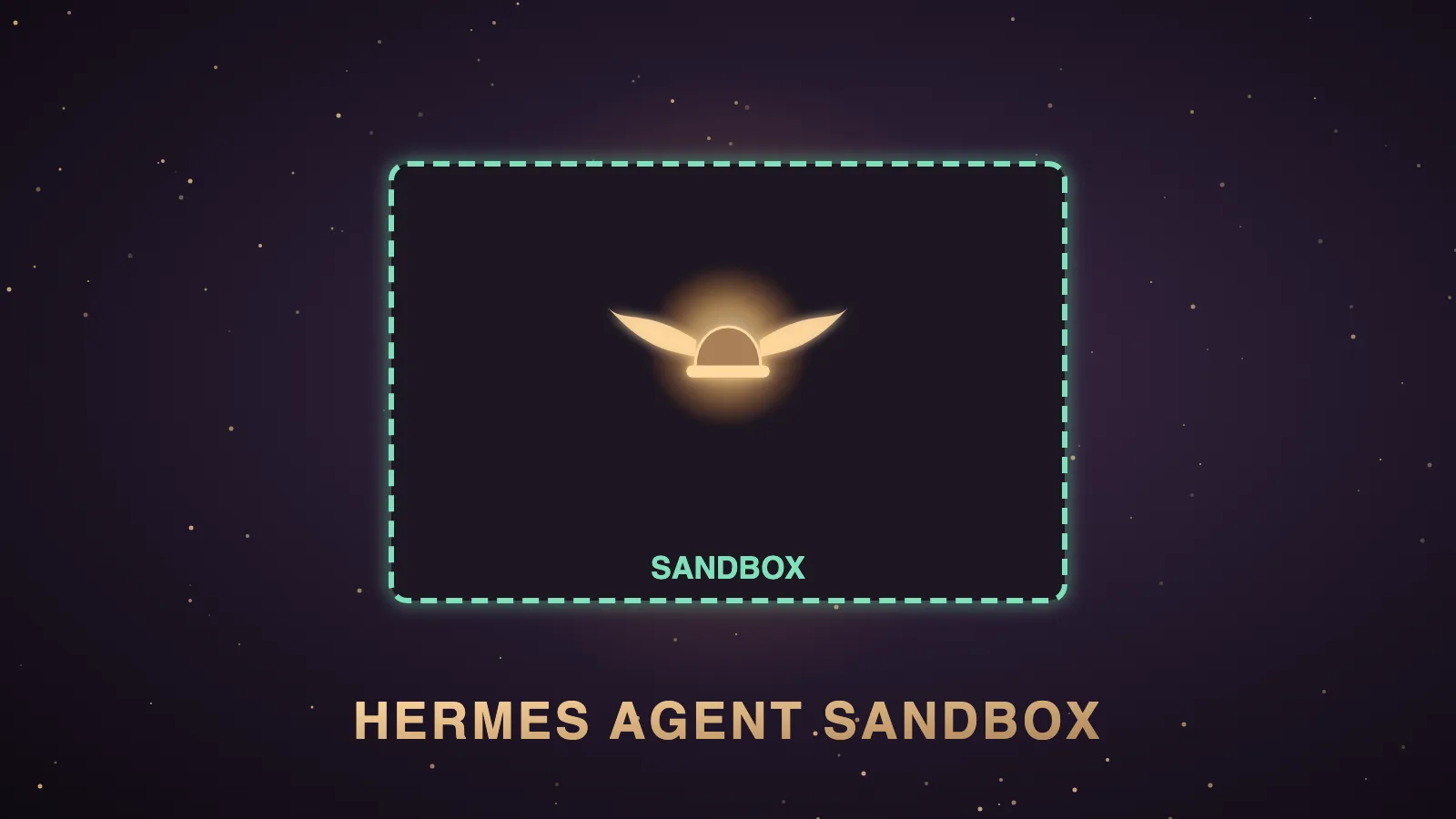
A Hermes Agent sandbox is the isolated environment where the Hermes AI agent runs its shell commands, so a bad command hits a container or a locked-down box instead of your real computer.
Hermes Agent is the free, open-source agent from Nous Research, and you pick its sandbox with one setting called terminal.backend.
The official configuration docs list seven backends, and the plugin catalog added an official bubblewrap backend for Linux on 21 October 2026.
The default is local, and the docs say the agent then has the same filesystem access as your user account.
I'm Julian Goldie, and in this post I'll explain how the sandbox works, how to set it up and what each security control does, and then I'll show you how the models you'd run inside it score on GoldieBench.
Everything here comes from the Hermes docs, the plugin pages and the release notes, not from a lab test of each backend.
The Hermes Agent sandbox options at a glance
This table combines the docs' backend overview and security comparison with the bubblewrap plugin page.
| Backend | Where commands run | Isolation | Dangerous-command prompts |
|---|---|---|---|
local | They run on your own machine. | There is none. | They stay on. |
docker | They run in one persistent, hardened container. | It is full, with namespaces and dropped capabilities. | They are skipped because the container is the boundary. |
bubblewrap | They run in a per-command bwrap sandbox on Linux. | It gives a read-only root and hides credentials. | They stay on, exactly as for local. |
ssh | They run on a remote server. | It is a network boundary. | They stay on. |
modal | They run in a Modal cloud VM. | It is full. | They are skipped. |
daytona | They run in a Daytona workspace. | It is full. | They are skipped. |
vercel_sandbox | They run in a Vercel cloud microVM. | It is full. | They are skipped. |
singularity | They run in a rootless Singularity or Apptainer container. | It uses namespaces with --containall. | They are skipped. |
What is the Hermes Agent sandbox?
Every time Hermes runs a terminal command, a file call or execute_code, the terminal backend decides where it happens.
A sandbox is any backend that puts a wall between those commands and your real files.
It isn't a separate product you buy, because it's a setting inside Hermes, and Hermes is free under the MIT licence.
Since v0.22.0, the default sandbox image is nousresearch/hermes-sandbox:desktop, and the release notes say existing sandboxes are kept.
For the wider meaning of "backend" in Hermes, see my Hermes Agent backend explainer.
The problem the Hermes sandbox solves
Most people install Hermes on the same laptop that holds their email, their client logins and their cloud keys.
On the default backend, the agent can read and change anything that user account can reach.
Hermes does ask before dangerous commands, but an approval prompt only helps when someone is there to answer it.
A bot that answers clients overnight, or a cron job that runs at 3am, often has nobody watching.
A sandbox gives you protection that doesn't depend on a person clicking "deny" in time.
It also limits the damage from a simple mistake, such as a model deleting the wrong folder while it tidies a project.
How to set up the Hermes Agent sandbox
For Docker, install Docker Desktop or Docker Engine and check it with docker version.
Then switch Hermes over with hermes config set terminal.backend docker.
If you prefer a wizard, hermes setup terminal runs just that section of setup.
For bubblewrap on Linux, the plugin page gives sudo apt install bubblewrap on Debian and Ubuntu, then hermes plugins install bubblewrap and hermes config set terminal.backend bubblewrap.
For SSH, you put TERMINAL_SSH_HOST and TERMINAL_SSH_USER in ./.hermes/.env and set the backend to ssh.
For Modal you need MODAL_TOKEN_ID and MODAL_TOKEN_SECRET, for Daytona you need DAYTONA_API_KEY, and for Vercel Sandbox you need VERCEL_TOKEN, VERCEL_PROJECT_ID and VERCEL_TEAM_ID.
For Singularity you need apptainer or singularity on your PATH.
Afterwards, run hermes doctor, because it reports problems such as a missing token or a failed bubblewrap probe.
If anything breaks, the docs say to set the backend back to local and test there first.
How the Docker sandbox works
Hermes starts one long-lived container and routes every terminal, file and execute_code call into it.
That container is shared across sessions, /new and subagents, so packages, files and background processes carry over.
Setting container_persistent: false switches to one fresh container per chat, removed when the session closes.
The docs list the hardening as all capabilities dropped except DAC_OVERRIDE, CHOWN and FOWNER, no privilege escalation, a 256-process limit and size-limited temp mounts.
The default limits are one CPU core, 5 GB of memory and 50 GB of disk.
docker_forward_env is an explicit allowlist, and leaving it empty keeps your secrets out of the container.
docker_network: false runs the container with --network=none, which cuts all network access from agent commands.
Each container is labelled with its Hermes profile, so one profile can't see another profile's container.
How the bubblewrap sandbox works
Bubblewrap is built and supported by Nous Research as an official plugin, and it's Linux only.
Each command runs in its own bwrap sandbox with a read-only host root and a writable working directory.
It hides .ssh, .aws, .gnupg, .config/gcloud, .azure, .docker, .kube, .npmrc, .pypirc, .netrc, .env and the Hermes home.
It has three profiles, which are restricted, workspace and network, and only network reaches the internet.
The default per-process limits are 256 MB of memory, 30 seconds of CPU time and 256 processes, and the plugin page says real builds need higher values.
The plugin page is open about the gaps, because file tools still run on the host, there's no seccomp filter and background processes die when the command ends.
The security controls around the sandbox
On container backends, Hermes skips its dangerous-command prompts because the container is treated as the security boundary.
Your own approvals.deny list still applies to every backend, and the v0.22.0 release notes say it now works in sandboxes.
The security docs say deny rules run before --yolo, /yolo and approvals.mode: off are checked.
They also say deny rules are a command policy, not a full sandbox, so pair them with an isolated backend.
HERMES_WRITE_SAFE_ROOT is an optional guard that limits write_file and patch to the folders you list.
The production checklist adds explicit user allowlists, resource limits, a set terminal.cwd, a non-root user and regular hermes update runs.
Bot Screen and the browser inside the sandbox
v0.22 gave a bot on a Linux gateway its own desktop you can watch and take over.
The release notes say that with a Docker, SSH or Singularity backend, the screen, computer use and the browser run inside the sandbox, never on your host.
The Bot Screen docs say Modal, Daytona and Vercel Sandbox can't host a display yet, so Hermes refuses to start the screen there.
bot_desktop.placement: gateway puts the screen on the gateway host as an explicit opt-in.
Real ways to use the Hermes Agent sandbox
These are the jobs where I'd reach for each option, based on what the docs say each backend is best for.
- A coding agent working on a client repo fits Docker, with only that repo mounted through
docker_volumesand no secrets forwarded. - A public Telegram or Slack bot fits a container backend on the gateway, because the security docs recommend one for production.
- A research agent reading private files fits Docker with
docker_network: false, so no command can send anything out. - A small always-on Linux box fits bubblewrap, because it needs no image or daemon.
- A heavy overnight batch fits Modal, because each task gets its own cloud VM.
- A team on an HPC cluster fits Singularity, because it runs rootless where Docker isn't allowed.
If you're choosing a server for any of these, my best Hermes Agent VPS guide covers the hosting side.
Limits of the Hermes Agent sandbox
- The default backend is
local, so a new install has no isolation until you change it. - Cloud sandboxes keep the filesystem, not live processes or dev servers.
- For SSH, Modal and Daytona, Hermes syncs its own state back, but you should copy your work files out yourself.
- Daytona caps disk at 10 GiB.
- Any token you forward into a sandbox can be read by code running inside it.
- Extra flags in
docker_extra_argscan quietly weaken the Docker hardening.
If you want to talk through where sandboxed agents fit your SEO business, you can book a free SEO strategy session with my team.
Which models to run inside a Hermes sandbox
The sandbox doesn't ship its own model, because Hermes is the agent and the brain is whichever model you connect.
A sandbox changes where commands run, and it doesn't change how well a model writes code.
That's why the model choice still matters, and GoldieBench is where I score models on real one-shot builds.
These are the current averages from the live board for models people commonly run as the brain.
| Model | GoldieBench average | What it means for a sandboxed agent |
|---|---|---|
| Claude Opus 5 | 8.27 | It is the strongest single model on the board for one-shot builds. |
| Hermes MoA | 8.17 | It is a Hermes Mixture of Agents panel, merged by an aggregator. |
| GPT-5.6 Sol | 8.16 | It is OpenAI's top 5.6 model and sits just behind Hermes MoA. |
| Kimi K3 | 7.89 | It is a strong open option for agent work. |
| GLM-5.2 | 7.77 | It is another solid open-weight choice. |
| Claude Opus 5.5 | 7.57 | It is the newer Opus, and it scores below Opus 5 on this board. |
| Qwable 5 27B Coder | 7.14 | It is a Qwen3.6-27B fine-tune that runs locally on MLX. |
| Gemma 4 12B · MLX | 3.98 | It shows how far a small local model falls behind on hard builds. |
Hermes v0.22's one-click local catalog includes Qwen3.8 27B, Qwen3.6 35B-A3B and DeepSeek V4 Flash, and the exact Qwen3.8 27B build isn't on the board yet.
The board's "Qwen 3.8" entry is the hosted Max Preview, so don't read its score as a local 27B result.
If you want private, offline work inside a sandbox, my local models page shows what runs on your own hardware.
For the brain itself, start with the strongest model your budget allows and test it on one real task inside the sandbox.
The full v0.22 context is in my Hermes Agent v0.22 explainer, and the sibling post on the Hermes Agent MCP server covers the tool side.
Verdict
Docker is the best all-round Hermes sandbox, bubblewrap is the lightest good option on Linux, and the default local backend isn't a sandbox at all.
Pair any backend with a short approvals.deny list and a strong model from the live board.
Also On Our Network
- Agent Operatorsthe five-step Hermes Agent sandbox setup walkthrough
- AI Income Deskseven ways a business uses a Hermes Agent sandbox
- AI Tool Verdictevery Hermes sandbox backend, scored with a verdict
- agentos.guidethe Hermes Agent sandbox quick start for an Agent OS
- agentos.guideevery Hermes Agent backend explained on agentos.guide
If you run an agency and want a clear plan for putting agents to work on client SEO, you can book a free strategy session with my team.
Switch off local, pick Docker or bubblewrap, keep a deny list and choose the brain from the live board, and you'll get the most out of the Hermes Agent sandbox.
FAQ
What is a Hermes Agent sandbox?
A Hermes Agent sandbox is the isolated environment where Hermes runs its shell commands, chosen with the terminal.backend setting. The docs list local, docker, ssh, modal, daytona, vercel_sandbox and singularity, and the official bubblewrap plugin adds a Linux option.
Is Hermes Agent sandboxed by default?
No. The default backend is local, which runs commands directly on your machine with no isolation and the same file access as your user account. The docs suggest Docker if you want sandboxing.
How do I switch Hermes Agent to Docker?
Check Docker with docker version, then run hermes config set terminal.backend docker, or run hermes setup terminal and pick Docker from the wizard.
Does the Hermes sandbox come with its own AI model?
No. The sandbox only decides where commands run, and the brain is whichever model you connect. On GoldieBench, Claude Opus 5 averages 8.27, Hermes MoA 8.17 and GPT-5.6 Sol 8.16.
Do approval prompts still work inside the sandbox?
Container backends skip the dangerous-command prompts because the container is the boundary, but user-defined approvals.deny rules apply on every backend. Local, SSH and bubblewrap keep the normal prompts.
Which local models can I run inside a Hermes sandbox?
Hermes v0.22's local catalog includes Qwen3.8 27B, Qwen3.6 35B-A3B and DeepSeek V4 Flash. On GoldieBench, Qwable 5 27B Coder averages 7.14 and Gemma 4 12B on MLX averages 3.98, while DeepSeek V4 Flash is currently unranked.
Keep reading
 Hermes Herald AI Agent: Which Brain To Run It On, With Real GoldieBench Scores
 GEO Examples: Four Real AI Overview Wins, The Three Moves Behind Them, And The Models Writing The Answers
 Best Generative Engine Optimization Agency: Seven Picks By Region, And How The Models Behind AI Answers Score
🌐 Sister-site take: read this on agentos.guide