GoldieBench Blog · 9 min read
The Hermes Agent Robot: What The Autonomous Lamp Is, How It Works, And The Models That Drive It
Hermes agent robot explained: the Autonomous Lamp running Hermes on lampOS, its price, setup, specs and safety, plus the models to run it with.
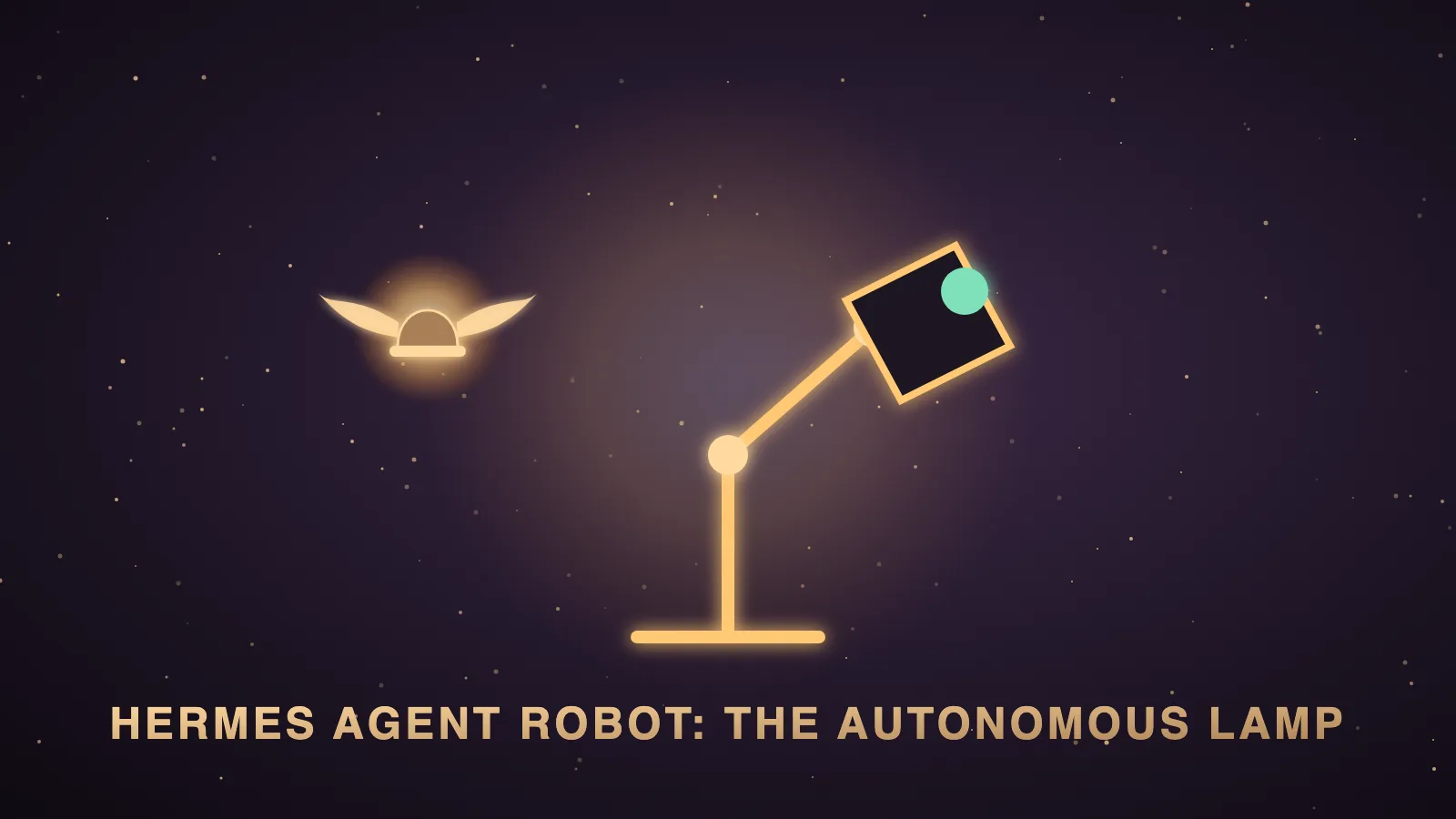
The Hermes agent robot is the Autonomous Lamp, a fully-assembled open-source desk robot from Autonomous that can run Hermes Agent as its brain through an operating system called lampOS.
It has a camera, microphones, speakers, a light ring and a five-servo arm, so the agent can see you, hear you, answer out loud and move.
On 24 October 2026, Autonomous's official Lamp page listed it at $999 for one unit, with free shipping.
I'm Julian Goldie, and I covered the Lamp in my video using Autonomous's own footage, but I don't own one and I haven't tested it, so this post is built from Autonomous's page and the lampOS README.
I'll explain what it is, how it works, how to set it up and its limits, and then I'll show you how the models you'd run it with score on GoldieBench.
The Hermes agent robot at a glance
This table is the product on one screen.
| Question | What Autonomous's page and the lampOS README say |
|---|---|
| What is it? | It is the Autonomous Lamp, a robotic desk lamp sold as a fully-assembled open-source companion robot. |
| Who makes it? | Autonomous makes the Lamp and lampOS, and Hermes Agent itself comes from Nous Research. |
| What does it cost? | The official page listed $999 for one unit with free shipping on 24 October 2026. |
| Which agents can drive it? | The README lists Hermes, Claude Code, Codex, OpenClaw, OpenCode and PicoClaw. |
| Which agent is the default? | The Lamp's ROBOT.md in the repo sets Hermes as the default gateway. |
| What do I need to start? | Autonomous's FAQ says you need Wi-Fi and the Autonomous app. |
| Is it open source? | Yes, the OS is Apache-2.0 outside hal/, and hal/ is GPL-3.0. |
What is the Hermes agent robot?
It's what people call the Autonomous Lamp when Hermes Agent is the brain inside it.
Autonomous's announcement on X, which I showed in my video, said "We just gave Hermes a body, one eye, and two ears."
The software is public at github.com/autonomous-ai/lampOS, and the repo describes it as "The open-source operating system for physical AI".
The README calls it "Physical AI Operating System" and says Autonomous is building the "Android" for physical AI agents.
The repo was created on 4 June 2026 and had about 490 stars on 24 October 2026.
The same OS also runs on Autonomous Intern and on Hugging Face's Reachy Mini, so it isn't locked to the Lamp.
How the Hermes agent robot works
The OS runs on the robot and sits between the agent and the hardware.
The agent never drives a motor directly, because hardware skills emit markers like [HW:/path:{json}] in the reply.
The OS strips those markers out, sends them to the hardware layer and speaks the words, so the Lamp can talk and move at the same time.
Simple requests such as "Turn off the lights" or "Make this lamp violet" are handled by local rules and an intent fallback first.
Anything the OS isn't confident about goes to the main agent, which is where Hermes does the thinking.
The README says six agents sit behind one gateway, and you can switch between them live from the web UI while the persona, memory and connectors move with it.
It also lists a harness-use skill that sends coding and research tasks to agents in Autonomous's Harness app on a paired computer.
How to set up the Hermes agent robot
These are the six steps from the README's quick start.
| Step | What you do | What happens |
|---|---|---|
| 1 | You tap Add robot and then Lamp in the Autonomous app. | The app starts adding your Lamp. |
| 2 | You pick your Wi-Fi network in the app. | The app joins the robot's hotspot and hands over the keys and pairing. |
| 3 | You say something to it. | It turns to look at you, the ring lights up and it answers. |
| 4 | You install a skill from the Skill Store. | It takes one tap and is live on the next conversation. |
| 5 | You type what you want it to do in the app. | The app writes a new skill for you. |
| 6 | You edit SOUL.md. | The Lamp becomes a different character on the next turn. |
Autonomous's FAQ says the Lamp runs on its hosted AI right after setup, including the brain, the voice, face recognition and mood.
It also says you can switch to your own agent or keys after setup, which is how you put Hermes in charge.
The Lamp's ROBOT.md turns on a wake word by default, listening for "hey lamp", "hey autonomous" or "hey" plus your agent's name.
The Lamp's hardware
These are the specs from the official page.
| Part | What the official page lists |
|---|---|
| Movement | It uses 5 position-feedback servos. |
| Vision | It has a wide-angle camera with face tracking and motion sensing. |
| Audio | It has a built-in microphone array and built-in stereo speakers. |
| Compute | It runs on an 8-core ARM64 CPU with 6 GB of RAM. |
| Connectivity | It connects over Wi-Fi 6. |
| Power and size | It takes 12V 5A DC and measures 7.87 × 7.87 × 18.43 inches. |
| Weight and warranty | It weighs 6.6 lbs and has a 1-year warranty. |
| Room sensing | It lists CO₂, particle, temperature and humidity sensors. |
One line of the page refers to "Lamp Pro's room sensors", so check which model you order if room sensing matters.
The README says the hardware layer exposes 111 HTTP endpoints, with live Swagger docs on the robot.
Skills, soul and safety
The README says any robot can be described in four markdown files, which are ROBOT.md for the body, SOUL.md for the self, SAFETY.md for the bounds and SKILL.md for one thing it can do.
A skill is one folder with one SKILL.md, and skills declare the capabilities they need so they only install on compatible robots.
SOUL.md sets who the Lamp is and how it talks, and Autonomous's page adds a voice from a supported speech service and a signature greeting, gesture or light.
The safety gate is "a pure function" of SAFETY.md, sitting below the agent with no model in the loop.
| Limit | What the Lamp's SAFETY.md sets |
|---|---|
| Brightness | It caps the daytime light at 120 on a 0 to 255 scale. |
| Quiet hours | It dims the ring to a ceiling of 40 from 22:00 to 07:00. |
| Motion speed | It caps every joint at 120 degrees per second. |
| Stop | It keeps stop and release always available, outside the agent's control. |
The README also links to a safety doc that lists what the gate does not cover yet.
What the Hermes agent robot can do day to day
Autonomous splits the Lamp page into three parts, which are Enjoy, Build and Make money.
The Enjoy part is about conversation, so you can talk through an idea, ask about a book or show it a drawing through the camera.
It also covers small habits, such as posture feedback, hydration reminders and a break routine, and the page says camera-based skills use a supported sensing service.
The page says you can connect a supported agent workflow, give it a task and hear the result.
It also describes a custom connection to the home controls you choose, including a Home Assistant connection for lights and routines.
The Build part says you can connect a calendar, a project tool or an agent on another machine, then ask what's next or how a job is going.
The Make money part lists robot hosts for shops, product guides, team assistants, creator co-hosts, quiz hosts and robotics workshops.
Autonomous sums that part up with one line: "You bring the idea and the customer. We provide the hardware and OS."
Every one of those ideas is a skill plus a soul, which is why the model behind the agent matters so much.
The limits of the Hermes agent robot
| Limit | What I'd do about it |
|---|---|
| The default brain is Autonomous's hosted AI. | I'd decide early whether to keep it or switch to my own agent and keys. |
| A local model alone doesn't make the Lamp offline. | I'd plan local speech and vision services if privacy is the main goal. |
| Custom behaviours may need code and testing. | I'd start with Skill Store skills and the in-app skill writer. |
| Face or voice recognition needs enrolment and compatible services. | I'd check what my setup supports before relying on it. |
| One line of the page ties the air sensors to Lamp Pro. | I'd confirm the model before buying for room monitoring. |
Does the Hermes agent robot ship its own model?
It doesn't ship a model you can look up on GoldieBench, and this is where the model angle comes in.
Autonomous's FAQ says the Lamp starts on Autonomous's hosted AI, and the page doesn't name the model behind it.
Once you switch the brain, the thinking runs on whichever model your Hermes profile, or your other supported agent, is set to use.
The README says the realtime voice layer supports Gemini Live, with gemini-3.8-live as the default model, plus OpenAI Realtime, GPT-Live and a Pipecat pipeline.
It says the Pipecat pipeline's default language model is qwen/qwen3.6-35b-a3b.
The Lamp isn't on GoldieBench, because GoldieBench scores language models on one-shot builds, not robots.
Neither of those two default voice models is on the board either, so I'll compare the closest models that are.
Which models to run with the Hermes agent robot
GoldieBench scores models on one-shot builds such as browser games, simulations and visual scenes, not on driving a robot.
So treat these numbers as a guide to how well a model plans and builds in one go, not as a direct Lamp score.
| Model | GoldieBench average | Why you'd pick it for the Hermes agent robot |
|---|---|---|
| Claude Opus 5 | 8.27 | It's the highest single model in this table, so it suits a main brain that plans long tasks. |
| Hermes MoA | 8.17 | It's the Hermes Mixture of Agents setup, which blends models inside Hermes itself. |
| GPT-5.6 Sol | 8.16 | It sits a whisker behind Opus 5 on the same build tasks. |
| Qwen 3.8 | 8.10 | It's the newest Qwen on the board, and Qwen is the family behind the Pipecat default. |
| Kimi K3 | 7.89 | It's a solid mid-table pick if you already run Kimi in Hermes. |
| GLM-5.2 | 7.77 | It's another good open-model option for routine requests. |
| Qwable 5 27B Coder | 7.14 | It's built on a Qwen3.6 base and is the best local model on the board. |
| Gemini 3.6 Flash | 7.08 | It's the closest Gemini on the board to the Gemini Live voice default. |
| Qwen 3.7 | 7.00 | It's the older Qwen entry, which shows how far the family moved to 3.8. |
For quick spoken answers, speed matters more than build scores, so a fast voice model makes sense for the realtime layer.
For the main agent that plans tasks and writes skills, I'd put a top model from this table in charge.
The local models board shows which models run on your own hardware, and my post on the best Hermes Agent model goes deeper on picking a main brain.
Who the Hermes agent robot is for
It suits Hermes users who want their agent in the room, agencies building client experiences, teachers running robot workshops and labs studying social robots.
It's a weaker fit for anyone who needs fully offline AI without planning local speech and vision services.
If you want your agent to use a computer as well, read my posts on Hermes CUA and the Hermes computer use skill.
For more ideas on what to build, my post on the best Hermes Agent use cases is a good next read.
Also On Our Network
- Agent Operatorshow to set up the Hermes agent robot in six steps
- AI Income Deskseven real business uses for the Hermes agent robot
- AI Tool Verdictthe Autonomous Lamp reviewed and scored feature by feature
- agentos.guidethe Hermes agent robot quick start for an Agent OS
- agentos.guidemy Hermes CUA guide, the plugin that gives Hermes its own computer
If you run an SEO or agency business and want to talk through where agents like this fit, you can book a free SEO strategy session with my team.
If you'd like a second pair of eyes on your whole agent stack, my team can review it in a free SEO strategy session too.
Pick a strong main brain, install one skill and read the safety file first, and you'll get the most out of the Hermes agent robot.
FAQ
What is the Hermes agent robot?
It is the Autonomous Lamp, an open-source desk robot from Autonomous that can run Hermes Agent as its brain through lampOS. Hermes is one of six supported agents and is the default in the Lamp's device file.
How much does the Autonomous Lamp cost?
Autonomous's official Lamp page listed it at $999 for one unit with free shipping on 24 October 2026.
How do I set up the Hermes agent robot?
The README gives six steps: add the robot in the Autonomous app, set up Wi-Fi, talk to it, install a skill from the Skill Store, type what you want to build your own skill, and edit SOUL.md.
Does the Hermes agent robot come with its own AI model?
It starts on Autonomous's hosted AI, and the page does not name the model. Once you switch to your own agent, the thinking runs on whichever model your agent is set to use.
Which model should I use with the Hermes agent robot?
On GoldieBench one-shot builds, Claude Opus 5 averages 8.27, Hermes MoA 8.17 and GPT-5.6 Sol 8.16, while Qwable 5 27B Coder averages 7.14 as the best local option. GoldieBench measures builds, not robot control, so treat it as a guide.
Can the Hermes agent robot run offline?
Autonomous says a compatible local model works, but fully local conversation also needs compatible speech and vision services on your own hardware.
Keep reading
 Hermes Herald AI Agent: Which Brain To Run It On, With Real GoldieBench Scores
 GEO Examples: Four Real AI Overview Wins, The Three Moves Behind Them, And The Models Writing The Answers
 Best Generative Engine Optimization Agency: Seven Picks By Region, And How The Models Behind AI Answers Score
🌐 Sister-site take: read this on agentos.guide