GoldieBench Blog · 6 min read
Hermes Agent Kanban Orchestrator + Which AI Models To Pair For The Planner And Worker Lanes, With Real GoldieBench Scores
The docs say frontier model for the planner, lighter models for workers, then name none. Here are eight GoldieBench scores and how to use them per lane.
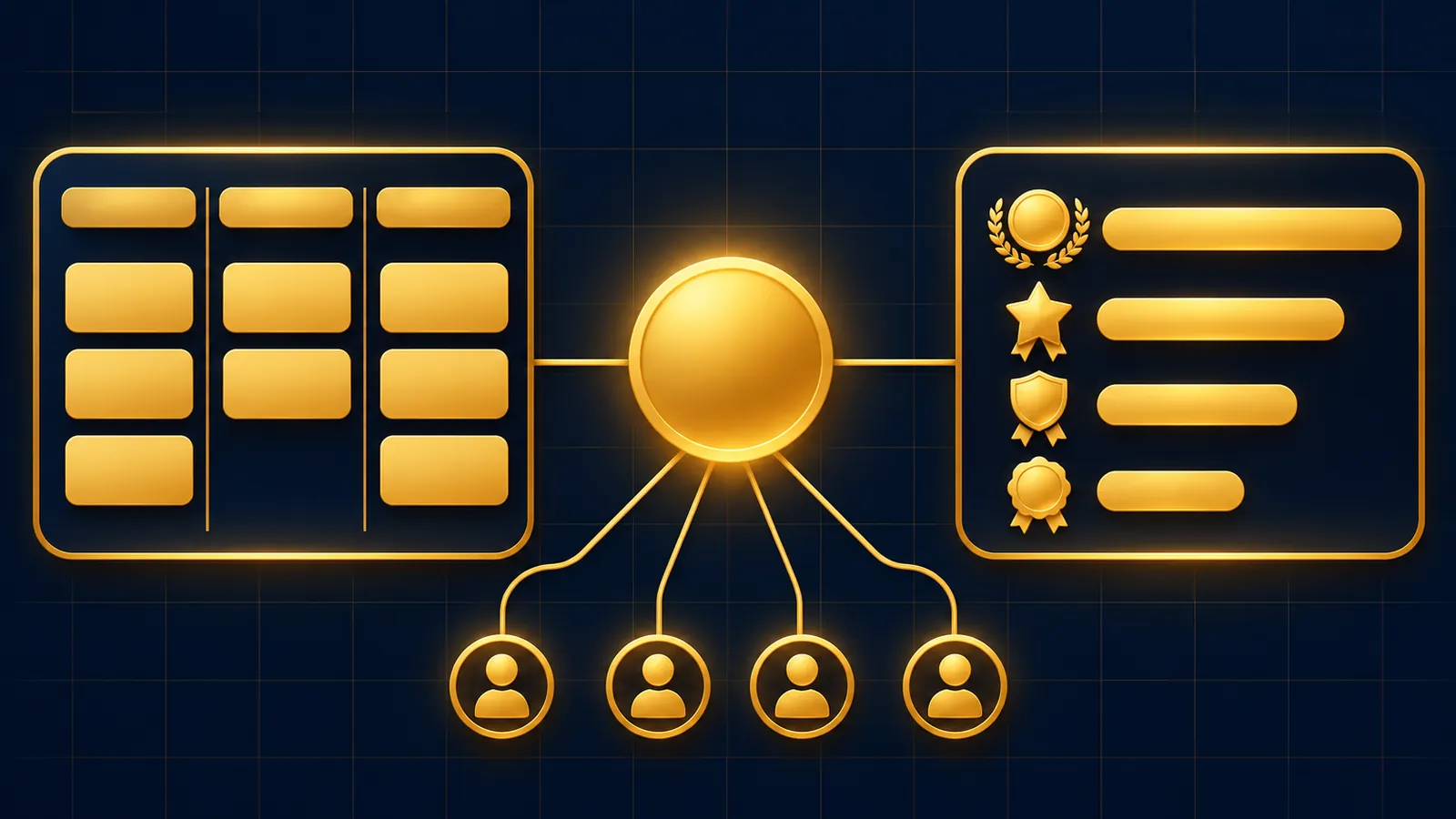
The model you put behind a hermes agent kanban orchestrator matters in two places: the planner profile that splits goals into cards, and the worker profiles that do each card.
The Hermes Kanban reference recommends a frontier model on the orchestrator and inexpensive models on the workers, but it uses placeholder names instead of picking models.
Below are GoldieBench scores I read on the live models page and each model's own page on 13 November 2026, and how to read them for each lane.
If you'd rather my team matched models to your board, book a free SEO strategy session.
Two Lanes, Two Different Model Jobs
The orchestrator lane decomposes a goal, links cards and assigns them to profiles that exist.
The reference says decomposing a project into well-scoped cards takes frontier-level judgement, while running a card that already carries a clear goal and context usually doesn't.
It also says workers are where the vast majority of tokens are spent.
So the planner is a quality decision and the worker is a volume decision.
Workers are spawned with their own profile home set, so whatever model sits in a worker's config file is the one that card uses, and the split costs you one line per profile.
The GoldieBench Scores I Used
| Model | Avg score | Scored tasks | Gold medals | Context (model page) | Page read |
|---|---|---|---|---|---|
| Claude Opus 5 | 8.27/10 | 50 | 13 | 1,000,000 tokens | Opus 5 |
| Hermes MoA | 8.17/10 | 47 | 3 | see model page | Hermes MoA |
| GPT-5.6 Sol | 8.16/10 | 50 | 2 | 1,050,000 tokens | GPT-5.6 Sol |
| Grok | 8.09/10 | 43 | 5 | 256,000 tokens | Grok |
| MiniMax M3 | 7.97/10 | 47 | 2 | 1,048,576 tokens | MiniMax M3 |
| Kimi K3 | 7.89/10 | 50 | 8 | 1,048,576 tokens | Kimi K3 |
| GLM-5.2 | 7.77/10 | 47 | 5 | 1,000,000 tokens | GLM-5.2 |
| Gemini 3.6 Flash | 7.08/10 | 50 | 1 | 1,000,000 tokens | Gemini 3.6 Flash |
The models page compares 33 frontier models, and Fusion tops it at 8.59 across 47 tasks.
Fusion is listed as an OpenRouter multi-model panel, so I've left it off a table of models you'd set on a single Hermes profile.
One small mismatch: the models page lists Grok with 47 tasks, while Grok's own page says 43 scored tasks; the table uses the model page.
What A GoldieBench Score Tells You Here
The models page describes the method in one line: the same fixed prompts, one shot each, scored 0 to 10.
That is a measure of how well a model gets a build right first time.
The scores on these pages come from one-shot builds, not from planning runs or Kanban tool calls.
Treat the average as a signal about first-pass quality, then check behaviour on your own board before you lock anything in.
Picking A Model For The Planner Lane
The planner writes few tokens but makes every structural call: how to split the goal, what each card body says, which shared decisions get stamped into every child.
A weak plan multiplies across every worker, so this is where the top of the table earns its place.
On these scores, the two single models above 8.1 are Claude Opus 5 at 8.27 and GPT-5.6 Sol at 8.16.
Hermes MoA sits between them at 8.17, but its page describes it as a panel of frontier models merged by a chair, not one model.
Opus 5 also has the most gold medals of the group at 13.
Context window helps the planner too, since it reads the board with kanban_list and your profile roster before it writes cards.
Picking Models For The Worker Lanes
Workers do the volume, and each one gets a card that should already hold its goal, context and decisions.
That is why the reference points workers at lighter models.
The middle of the table is where to start testing: MiniMax M3 at 7.97, Kimi K3 at 7.89 and GLM-5.2 at 7.77 all sit within about half a point of the leaders on these pages.
Kimi K3's page describes it as tuned for long-horizon agent work, and its 8 gold medals are the most of the three.
Check your own provider's pricing for each before you choose; GoldieBench scores don't settle cost.
Pin Hard Cards Instead Of Upgrading Whole Profiles
Some cards need more than a worker model gives them.
The reference's answer is a per-task override: --model and --provider when you create the card, hermes kanban set-model later, or the model dropdown on the dashboard.
That keeps the worker profile on its lighter model and lifts only the card that needs it.
A good rule: if a card has been blocked twice for quality reasons, pin it to a model from the top three rows and re-run.
To clear the override later, the reference shows passing none to set-model, which returns the card to its profile's model.
Goal-mode cards are another place a stronger pin pays off, because a judge checks every turn against the card body and the default budget is 20 turns.
A model that reaches the acceptance criteria in fewer turns finishes before that budget runs out, while one that wanders gets the card blocked for review.
Where The Decomposer Gets Its Model
Auto mode has its own model slot.
With kanban.auto_decompose on, the default, the dispatcher splits Triage cards using auxiliary.kanban_decomposer, not the planner profile's model.
The reference is explicit that kanban.orchestrator_profile controls who owns the root card after fan-out, and doesn't load that profile's prompt or model into the split.
So if you rely on auto mode, set the decomposer slot to a model you'd trust in the planner lane.
Keep The Planner Off Implementation Tools
A strong model in the planner lane is more tempted to just do the work.
The worker lanes page defines the orchestrator as a profile with kanban but no terminal, file, code or web, and the reference suggests only kanban, gateway and memory.
Fence the toolset first, then upgrade the model.
For a wider look at models for Hermes in general, see the best LLMs for Hermes Agent.
Testing Your Pairing On A Real Board
- Create the board with
hermes kanban initand start the gateway withhermes gateway start. - Give the planner one real goal that splits into three or four cards.
- Watch with
hermes kanban watchand note which cards block, and why. - Read the run history with
hermes kanban runsto compare attempts. - Swap one worker model and repeat the same goal.
If you run several profile gateways, the multi-gateway page says only one should own the dispatcher.
Source and release notes are in the Hermes Agent repository.
Also On Our Network
- Agent Operatorsthe eight-step setup for a Hermes Kanban planner profile and its workers
- AI Income Deskwhether a small business should run a Hermes Kanban planner and worker board
- AI Tool Verdicta nine-point scorecard rating the Hermes Kanban orchestrator, strengths and limits
- agentos.guidefive copy-paste prompts to run a Hermes Kanban planner inside your Agent OS
Put a top-of-table model on the planner, test two mid-table models on the workers, and if you want help, book a free strategy session or join the AI Profit Boardroom to tune your hermes agent kanban orchestrator.
FAQ
Which model should run the Hermes Kanban planner?
The docs say a frontier model without naming one. On GoldieBench, Claude Opus 5 (8.27) and GPT-5.6 Sol (8.16) are the top single models in the scores read on 13 November 2026.
Do worker profiles need the same model as the planner?
No. Each profile has its own config.yaml, and the reference suggests inexpensive models for workers, since they spend most of the tokens.
Which model does auto decomposition use?
The auxiliary.kanban_decomposer slot, not the planner profile. Setting kanban.orchestrator_profile only decides who owns the root card after the split.
Can I upgrade the model for just one card?
Yes. Use --model and --provider when creating it, hermes kanban set-model later, or the dashboard model dropdown.
Keep reading
 Hermes Agent Browser Explained: What It Is, How To Enable It, Its Limits And The Models To Put Behind It
 The Best Hermes Agent Plugins In 2026: My Ranked Top 10, Then The Models That Run Them Best
 Hermes Vault + Which AI Models To Pair With It: Real GoldieBench Scores For Logged-In Agent Work And Unattended Runs
🌐 Sister-site take: read this on agentos.guide