GoldieBench Blog · 6 min read
Hermes Agent Bitwarden And Which AI Models To Keep Keys For, With Real GoldieBench Scores
The vault holds one secret per provider, so pick models first. Here are the live GoldieBench averages and how to turn them into a small, easy-to-rotate project.
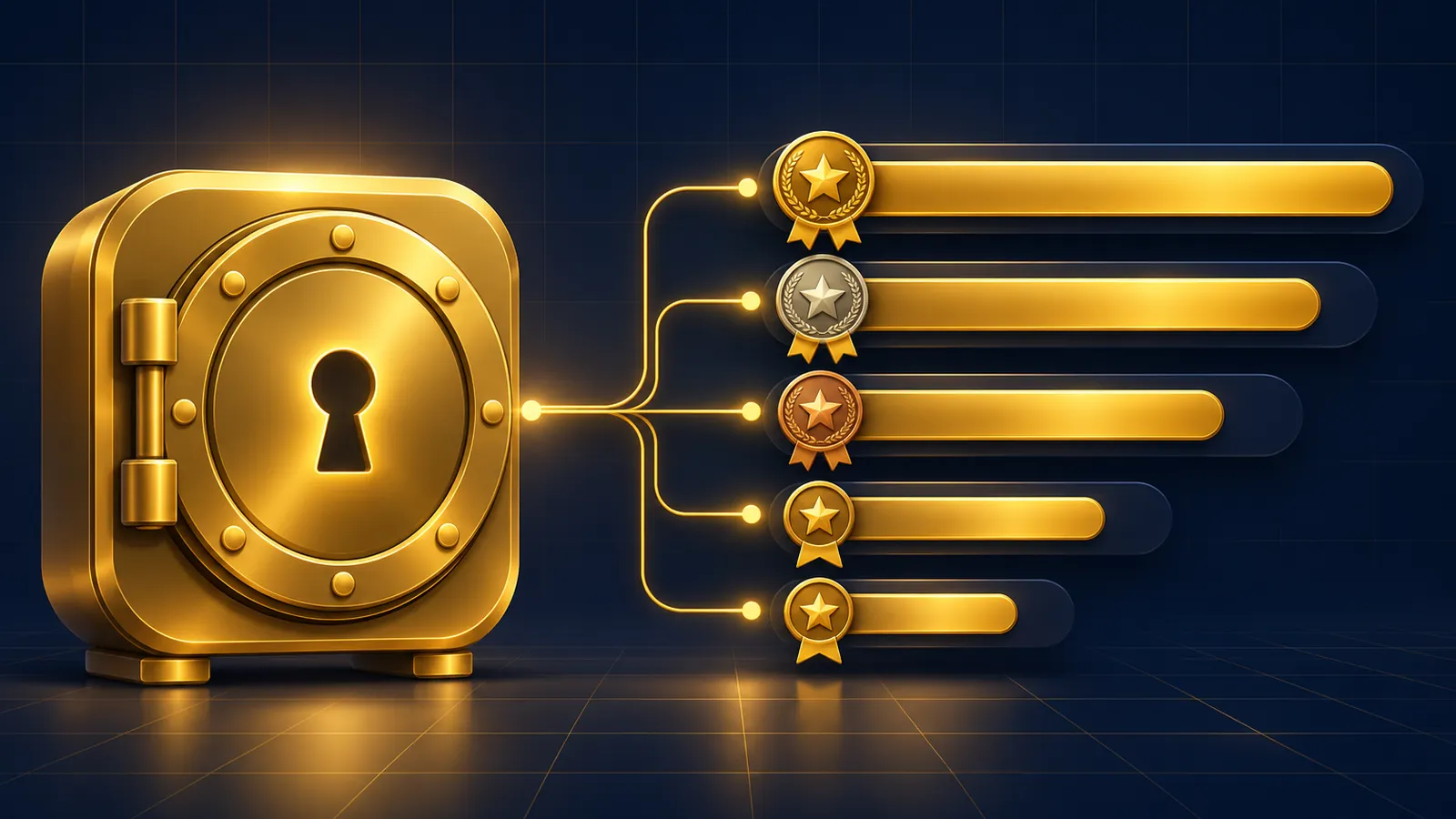
Hermes agent bitwarden setup decides where your model keys live, and GoldieBench scores decide which of those keys are worth storing in the first place.
Bitwarden Secrets Manager hands Hermes each provider key at startup, named exactly as the variable Hermes reads, such as OPENROUTER_API_KEY or ANTHROPIC_API_KEY.
Below are the scores I read on the live GoldieBench models page on 14 November 2026, and how to turn them into a tidy Bitwarden project.
If you would rather my team matched models to your agent work, book a free SEO strategy session.
Why Model Choice Shapes Your Bitwarden Project
Every model you run needs a provider key, and each key becomes one secret in the project.
The Hermes Bitwarden guide says the secret Name becomes the environment variable, so the project is really a list of the providers you trust.
Fewer providers means fewer secrets to rotate. Picking models first keeps the vault small.
The GoldieBench Scores I Used
| Model | Avg score | Tasks | Gold medals | Listed provider | Page |
|---|---|---|---|---|---|
| Fusion | 8.59/10 | 47 | 21 | OpenRouter | Fusion |
| Claude Opus 5 | 8.27/10 | 50 | 13 | Anthropic | Claude Opus 5 |
| Hermes MoA | 8.17/10 | 47 | 3 | Hermes, Mixture of Agents | Hermes MoA |
| GPT-5.6 Sol | 8.16/10 | 50 | 2 | OpenAI | GPT-5.6 Sol |
| Grok | 8.09/10 | 47 | 5 | xAI | Grok |
| MiniMax M3 | 7.97/10 | 47 | 2 | MiniMax | MiniMax M3 |
| Kimi K3 | 7.89/10 | 50 | 8 | Moonshot AI | Kimi K3 |
| GLM-5.2 | 7.77/10 | 47 | 5 | Zhipu / Z.ai | GLM-5.2 |
Averages, task counts and gold medals are copied from the models page. Each name links to that model's own page.
The provider column is the label the page shows under each model, which tells you which key family it belongs to.
What A GoldieBench Score Means Here
The models page describes the method: the same fixed prompts, one shot each, scored 0 to 10.
That makes the average a fair read on how well a model handles a build in one go, which is what most Hermes jobs ask for.
It does not measure secrets handling. Bitwarden behaves the same whichever model sits behind it, because Hermes loads the keys before any model is called.
One Key, Several Top Models: The Aggregator Route
Fusion leads the page at 8.59 across 47 tasks with 21 gold medals, and its listed provider is OpenRouter.
The page describes it as a multi-model panel of Fable 5 and GPT-5.5, ensembled.
If you route through an aggregator like that, one secret, OPENROUTER_API_KEY, can cover a lot of ground in your project.
That is the smallest possible vault for a strong score.
Direct Keys For The Top Single Models
Claude Opus 5 scores 8.27 over 50 tasks with 13 gold medals. GPT-5.6 Sol scores 8.16 over 50 tasks with 2 golds. Grok scores 8.09 over 47 tasks with 5 golds.
Each sits under a different provider label, so running all three direct means three secrets.
Pick the one or two that match your work and leave the rest out of the project until you need them.
Mid-Table Models For High-Volume Profiles
MiniMax M3 averages 7.97, Kimi K3 7.89 and GLM-5.2 7.77 on the same page.
Kimi K3 collected 8 gold medals across 50 tasks, more than several higher-averaged models, so it wins individual builds more often than its average suggests.
These suit profiles that run many routine jobs, where a slightly lower average is an easy trade.
MiniMax M3 is listed by its page with a 1M context window, which helps profiles that read long documents.
Give Each Profile Its Own Model Key
When different profiles use different providers, profile aliasing in the Hermes secrets overview keeps one project serving all of them.
A secret named with a profile suffix, for example OPENROUTER_API_KEY_RESEARCH, fills OPENROUTER_API_KEY when Hermes runs as the research profile.
A secret stored under the plain name always wins over an alias, so pick one pattern per key.
Confirm Which Key Each Model Is Using
After setup, open hermes model. Hermes labels injected keys with their origin, and Bitwarden keys show "(from Bitwarden)".
If a key you expected shows no label, check the secret name in the project for a typo before blaming the model.
Run hermes secrets bitwarden status yourself to confirm the token is valid; the agent's own terminal never receives it.
Panel Models And The Keys Behind Them
Two of the top three entries are not single models.
Fusion is described on the page as an ensemble of two models, and Hermes MoA, at 8.17 over 47 tasks, as a panel of frontier models merged by a chair.
Panels can need more than one provider behind them, so open each model page and note every provider it lists before you write your secret names.
Getting that list right first saves a second round of edits to the project.
Keep The Token Away From Benchmark Scripts
If you run your own side-by-side tests through Hermes, the scripts the agent writes run in a sanitised environment.
Hermes strips BWS_ACCESS_TOKEN from the terminal, execute_code and cron scripts, and provider credentials cannot be declared for passthrough.
That is good for safety, and it means a test script should call models through Hermes rather than expect raw keys in its own environment.
A Starter Project Layout
For most readers, a first Bitwarden project needs only two or three secrets.
One aggregator key, such as OPENROUTER_API_KEY, reaches the top-scoring ensemble on the page.
One direct key for your main single model, such as ANTHROPIC_API_KEY, covers the profile you lean on most.
Add a third only when a profile genuinely needs a different provider, and name it with a profile suffix if it should stay with that profile alone.
Rotate Model Keys In One Place
Swapping a provider key is a change in the Bitwarden web app. With the default override_existing: true, every machine uses the new key at its next start.
If the machine-account token itself expires, hermes secrets bitwarden token tests the new one before saving it.
Bitwarden's Secrets Manager CLI docs confirm the same token model on their side.
Keeping logins in 1Password rather than Bitwarden? Read the Hermes 1Password guide.
My Verdict On Models For A Bitwarden Setup
Start small: one aggregator key for the top of the table, plus one direct key for the single model your heaviest profile runs.
Add mid-table keys only for high-volume profiles, and re-check the models page before each change, because the averages move as new tasks are scored.
Read the Hermes CLI reference for the setup flags if you are adding the vault to a server.
Also On Our Network
- Agent Operatorsthe seven-step bws and bw setup for a laptop plus a gateway VPS
- AI Income Deskwhether central Bitwarden keys and agent logins pay off for a small business
- AI Tool Verdictan eight-point scorecard on Hermes and Bitwarden, from setup to unattended runs
- agentos.guidea quick start and five agent prompts for Bitwarden keys and logins
Choose your models from the scores, store one secret per provider, then talk to my team for free or get the templates inside the AI Profit Boardroom and finish your hermes agent bitwarden setup.
FAQ
Which AI model scores highest on GoldieBench right now?
Fusion, at 8.59/10 across 47 tasks on the models page read on 14 November 2026. Its listed provider is OpenRouter.
Does the model I pick change how Hermes uses Bitwarden?
No. Hermes loads keys from Bitwarden at startup before any model is called; the model only decides which key you need.
How many Bitwarden secrets do I need for several models?
One per provider key. An aggregator key can cover many models, while direct keys for Anthropic, OpenAI and xAI need one secret each.
What do the GoldieBench numbers measure?
Fixed prompts, one shot each, scored 0 to 10, per the models page. They do not measure secrets handling.
How can I check a model is using the Bitwarden key?
Open hermes model; keys loaded from the vault are labelled (from Bitwarden).
Can different profiles use different model keys from one project?
Yes. Name the secret with a profile suffix and profile aliasing fills the standard variable for that profile.
Keep reading
 Hermes Vault + Which AI Models To Pair With It: Real GoldieBench Scores For Logged-In Agent Work And Unattended Runs
 Hermes Agent Browser Explained: What It Is, How To Enable It, Its Limits And The Models To Put Behind It
 Migrate Hermes Agent To New Machine Hardware, Then Pick Your Models With Real GoldieBench Scores
🌐 Sister-site take: read this on agentos.guide