GoldieBench Blog · 6 min read
Migrate Hermes Agent To New Machine Hardware, Then Pick Your Models With Real GoldieBench Scores
Your provider keys and config move in the full backup. Here is what the GoldieBench scores say about the models you might switch to afterwards.
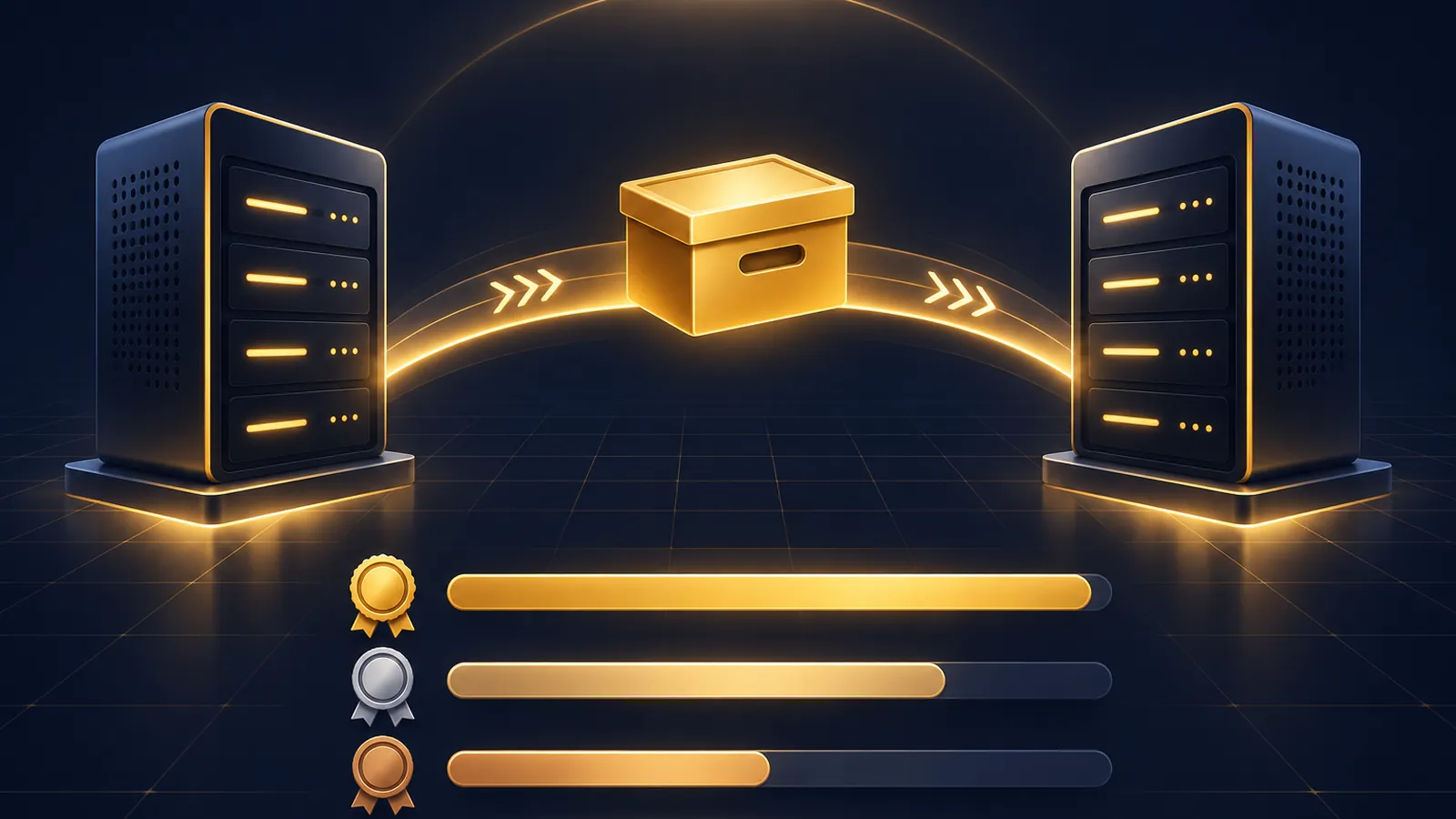
When you migrate Hermes Agent to new machine hardware, your model choice comes with you: the full backup carries your config and your provider keys, so the agent runs the same models on day one.
Book a free SEO strategy session →
That makes a move the right moment to ask whether those are still the models you want.
Below are the GoldieBench scores I read on the live models page and the Hermes MoA page on 13 November 2026, and how I'd use them after a move.
If you'd like my team to make the call with you, book a free SEO strategy session.
The Move Itself, In Four Commands
The Hermes FAQ route is short.
hermes backupon the old machine.- Install Hermes on the new machine with the install script.
hermes importon the zip.hermes setupto verify API keys and provider config.
Not hermes migrate: the CLI reference describes that as an importer for other agents and a config rewriter.
Why Your Models Survive The Move
A full backup includes .env and auth.json, plus config, memories, skills, sessions and every profile.
So the provider keys and model settings your agents use land on the new machine unchanged.
What doesn't come across is downloaded models/ and runtimes/: the backup excludes them, and the docs say runtime downloads are often tens of GB.
If you run local models, plan for those downloads on the new machine before you test.
A profile export is different: it strips credentials, so a single moved profile needs its provider keys added again.
The Scores I Read On GoldieBench
| Model | Average score | Tasks | Read on |
|---|---|---|---|
| Fusion | 8.59 | 47 | /models/ |
| Claude Opus 5 | 8.27 | 50 | /models/ |
| Hermes MoA | 8.17/10 | 47 | /models/moa |
| GPT-5.6 Sol | 8.16 | 50 | /models/ |
| Claude Fable 5 | 8.10 | 47 | /models/ |
| Kimi K3 | 7.89 | 50 | /models/ |
| GLM-5.2 | 7.77 | 47 | /models/ |
Each number is the average shown on that page, next to the number of tasks scored.
What These Scores Measure, And What They Don't
The Hermes MoA page describes the method: every model gets the same fixed prompt set, one shot, a single HTML file out, scored 0–10.
Book a free SEO strategy session →
So these are build scores.
They don't measure how well a model runs a backup or an import. Those are plain commands, and the model hardly matters for them.
Where the scores help is the work your agents do after the move: building pages, tools and reports.
Pairing 1: Keep Your Current Model For The First Week
Don't change models and machines on the same day.
If something breaks, you want to know whether it was the move or the model.
Your config comes across in the backup, so run the same setup for a week, then test changes one profile at a time.
Pairing 2: Hermes MoA If You Want A Panel
Hermes MoA scored 8.17/10 average across 47 tasks on its GoldieBench page.
The page describes it as a panel of frontier models merged by a chair, with a default panel of Claude Opus 4.8 and GPT-5.5 aggregated by Opus 4.8, all through an OpenRouter key.
That key lives in your Hermes config, so a full backup moves it with everything else.
Run hermes setup after the import to confirm the provider still answers.
Pairing 3: Long-Context Agents
For agents that read long histories, the models page tags two models with 1M context.
Kimi K3 scored 7.89 average over 50 tasks, described as tuned for long-horizon agent work.
GLM-5.2 scored 7.77 average over 47 tasks, described as the never-forgets agent with open weights.
Both suit agents with years of sessions, and those sessions come across in the full backup.
Pairing 4: The Top Single Models
If you want one model doing the building, the top single-model scores on the models page were Claude Opus 5 at 8.27 over 50 tasks and GPT-5.6 Sol at 8.16 over 50 tasks.
Fusion led the page at 8.59 over 47 tasks, but the page describes it as a multi-model panel, not a single model.
Book a free SEO strategy session →
Pick by the work, not just the top number: one profile can run a different model from the next.
Local Models On The New Machine
If any profile runs a local model, the move needs one extra step.
The backup leaves out models/ and runtimes/, so those files have to download again before that profile works.
A new machine can also have different hardware, which changes what a local model can run at all.
Treat a local-model profile as its own test: import, let the downloads finish, then compare its output with what it produced on the old box.
The cloud models in the table don't have this issue, because only the provider key needs to move, and the full backup carries it.
What The Leaderboard Can't Tell You About Your Agents
GoldieBench ranks models on a shared task set.
Your agents run your tasks, with your memories and your skills.
A model that ranks lower on the table can still be the better fit for a profile that mostly summarises, files notes or answers routine questions.
Use the scores to pick candidates, then let a week of real work decide.
Watch The Credential Vault On Moving Day
Provider keys in .env move with the full backup.
Keys in the credential vault are different if its key sits in the system keychain.
The credential vault docs say backups then hold the vault without its key, and tell you to run hermes vault key migrate --to file before moving.
Auxiliary Models Move Too
Many Hermes setups use more than one model per profile, such as a separate model for summaries or compaction.
Those settings live in config, so the full backup moves them with the main model choice.
After the import, have your agent list every model each profile calls, so nothing quietly falls back to a default you didn't pick.
A First-Week Test Plan On The New Machine
- Day 1: import, run
hermes setup, check every provider answers. - Days 2–3: run normal work on your existing models and note anything odd.
- Day 4: switch one profile to a candidate model from the table.
- Days 5–7: compare that profile's output with the others before changing more.
If you came over from Grok Bot rather than another Hermes machine, read which models to pick after a Grok Bot import.
The profile distributions page covers moving a single profile if you only want one agent on the new box.
For the full model picks and trainings, join the AI Profit Boardroom.
Book a free SEO strategy session →
Also On Our Network
- Agent Operatorsthe seven-step backup and import run, flags and exit codes included
- AI Income Deskwhat a business owner should check before moving the agent to new hardware
- AI Tool Verdictthe backup and import route scored criterion by criterion, with the gaps
- agentos.guidefive copy-paste prompts that let your agent prepare and audit the move
Keep your models steady for the first week, test one change at a time, and book a free strategy session if you want help picking models after you migrate Hermes Agent to new machine hardware.
FAQ
Do my model settings move with a Hermes backup?
Yes. A full hermes backup includes config plus .env and auth.json, so provider keys and model settings land on the new machine unchanged.
Do local models come across in the backup?
No. The backup excludes models/ and runtimes/, which the docs say are often tens of GB, so they download again on the new machine.
What did Hermes MoA score on GoldieBench?
8.17/10 average across 47 tasks, as shown on goldiebench.com/models/moa when I read it on 13 November 2026.
Should I switch models on the day I move?
No. Keep your existing models for the first week so any problem can be traced to the move or the model, not both.
Do GoldieBench scores tell me which model runs a backup best?
No. They are one-shot build scores. Backup and import are plain commands where the model hardly matters.
Keep reading
 Migrate Grok Bot To Hermes + Which AI Models To Run Each Imported Bot On, With Real GoldieBench Scores For Opus 5, Hermes MoA, Kimi K3 And Gemini 3.6 Flash
 Hermes Vault + Which AI Models To Pair With It: Real GoldieBench Scores For Logged-In Agent Work And Unattended Runs
 Hermes Webapp + Which AI Models To Run In Your Browser Sessions, With Real GoldieBench Scores For Opus 5, GPT-5.6 Sol, Kimi K3 And Grok
🌐 Sister-site take: read this on agentos.guide