GoldieBench Blog · 6 min read
Hermes Agent Prompt Caching by Model: How Claude, GPT, Qwen and Local Routes Cache After v0.23.3
Every model route and how Hermes caches it, plus how to benchmark models with caching on.

Hermes Agent prompt caching behaves differently on every model route, and this page maps the v0.23.3 rules onto the models you are likely to run.
The 20 November 2026 v0.23.3 release added one controller that warms caches through long tool runs and compacts idle chats before a one-hour cache expires, with cache_ttl defaulting to auto.
The per-session cache clock it relies on arrived in v0.23.2.
The setting
prompt_caching:
  cache_ttl: "auto"        # default; or "5m" / "1h"; "off" disables
  route_ttl_ceilings: {}    # e.g. {nous: "5m"}
Details are in the Hermes configuration docs.
Model routes and cache behaviour
| Model route | Cache type | Lifetime Hermes uses |
|---|---|---|
| Claude (Anthropic, OpenRouter, Nous Portal) | Marked | 5m or 1h, per auto |
| Qwen 3.7 on Nous Portal | Marked | Per catalog, 1.25x write |
| GPT and other OpenAI-compatible | Automatic | 30 minutes |
| Qwen Cloud | Marked | 5-minute cap |
| OpenAI Responses, xAI | Own mechanism | Never warmed |
| Local llama.cpp, vLLM, Ollama | Local | No clock expiry |
On Claude the 1-hour write is 2x base input and the 5-minute write 1.25x (Anthropic docs).
What auto does
Typed chats start at 5 minutes and switch to 1 hour after your first pause over five minutes; subagents, cron, webhooks and API sessions stay at 5 minutes.
Benchmark tip: test with caching in mind
When you compare models for long Hermes jobs, compare cost with caching on, not list price alone.
A model with a cheap cache read can beat a cheaper uncached model on long sessions.
Hermes also learns per model whether the cache really reads back and stops warming models that never hit.
Check it with /context
/context shows lines such as Prompt cache: warm until 14:32 (58m 10s left; 1h, proven).
The cache key includes the model
This is the single most important point for anyone comparing models inside Hermes.
The developer guide says provider caches are scoped to the model and account serving the request.
Change the model by hand, let a fallback kick in, or rotate to a different account key, and the following request finds no cache at all, so the entire history is billed again at the normal input rate.
Rank in AI Search or It's FREE →
So switching models mid-session to compare them distorts both cost and speed results.
How Hermes places breakpoints
Anthropic allows four cache_control breakpoints per request.
The guide names the Hermes layout system_and_3: a fixed marker for the instructions, plus a sliding trio covering the newest conversation turns.
The system prompt stays cached all session while the recent turns roll forward.
Why benchmark runs stay on 5 minutes
Under auto, machine-paced sources such as one-shot commands, cron, batch, the API server and subagents use the five-minute tier.
Most benchmark harnesses run through one of these, so their cache behaviour differs from a person typing in the CLI.
Keep that in mind when you compare harness costs with interactive costs.
What v0.23.3 changed
The release notes describe a single controller that now owns the cache lifecycle. It keeps caches alive while tools run, shrinks parked chats ahead of the hour-long expiry, gives Nous Portal the whole hour and makes auto the default TTL.
Route specs and benchmarks
The developer guide treats requests with cache markers as Anthropic-spec and everything else as OpenAI-spec.
Anthropic-spec requests use 5m or 1h as requested, capped by route ceilings.
OpenAI-spec requests are declared at 30 minutes, and each read pushes the window out by another 30.
Local endpoints such as llama.cpp, vLLM and Ollama never expire on the clock.
So the same prompt can cache very differently depending on route, which matters when you compare cost per task across models.
Measuring cache hits per model
Every Anthropic response carries two usage counters, cache_creation_input_tokens and cache_read_input_tokens, as documented in its prompt caching docs.
Log both for every turn in a benchmark run.
A fair comparison reports cache read share alongside total cost, so a model that caches well is not mistaken for one that is simply cheap.
Confidence levels in /context
"Proven" means the response named the tier; "declared" is what Hermes asked for; "assumed" or "unknown" means it has no confirmation.
Hermes only warms and compacts at the cache edge when it knows the tier.
When comparing routes, note which ones reach "proven".
Join the AI Profit Boardroom →
Warming rules that affect test runs
Idle sessions get at most three keep-alives per user message.
During tool runs, warming continues until the tool returns, bounded by cost.
Two misses in a row switch warming off for the session.
Keep-alives need a cached prompt of at least 1,024 tokens and are skipped for budget-based extended thinking, so very short benchmark prompts never trigger them.
Fair-test checklist
- One model per session; never switch mid-run.
- Same system prompt and skills for every model.
- Same session source, so every run gets the same tier under
auto. - Record cache read and creation tokens per turn.
- Run each task several times and report the median.
Nous Portal routes
v0.23.3 moves Nous Portal onto the full one-hour lifecycle, as the release notes state.
According to the developer guide, Nous's model catalog decides which models get cache markers: a listed cache-write rate means markers are sent.
When you benchmark models served through Nous Portal, check /context to confirm each one actually reaches a proven tier before comparing costs.
Glossary for benchmark notes
- TTL: how long the provider keeps the cached prefix.
- Breakpoint: a marker that tells the provider where to cache.
- Keep-alive: a tiny replay that refreshes the cache.
- Route ceiling: the cap Hermes applies to a provider's cache lifetime.
Use these terms consistently in your notes so results from different runs stay comparable.
Compression during long benchmark runs
The agent compressor fires at 50 percent of context by default, and a gateway safety net at 85 percent, per the developer guide.
Compression clears the cache for the compressed region, but the system prompt cache survives and the recent-message window rebuilds within a turn or two.
On long tasks, note when compression fired so cost spikes are not blamed on the model.
Same task, different results
If one model looks far cheaper than another on a long task, check whether a fallback or compression rewrote the prefix during the other run.
Rerun with identical settings before drawing conclusions.
Keep the raw usage logs for every run, so anyone checking the result later can see exactly where the cached and uncached tokens went.
Reporting cache results
When you publish a cost comparison, state the route, the session source and the cache_ttl setting for every run.
Include cache read share next to total cost.
Without those details, readers cannot tell whether a model is cheap or simply cached better on that day's route.
Exceptions
Budget-based extended thinking is never warmed, prompts under 1,024 tokens are not cached, and keep-alives stop after missing twice.
For model picks, see our best Hermes Agent model guide.
Pick your model, leave cache_ttl on auto and compare a week of cache reads.
For guided setups, join the AI Profit Boardroom, and keep this page as your model map for Hermes Agent prompt caching.
FAQ
Which models get the 1-hour cache?
Claude on Anthropic, OpenRouter and Nous Portal, when auto moves a typed session to 1 hour.
Are GPT models cached?
OpenAI-compatible routes cache automatically and Hermes treats them as 30 minutes.
Should I compare models with caching on?
Yes, long sessions depend heavily on cache read pricing.
Are local models affected?
Local endpoints never expire on the clock.
Keep reading
 The Best Hermes Agent Model In 2026: Five Category Winners, With The Live Scores Behind Them
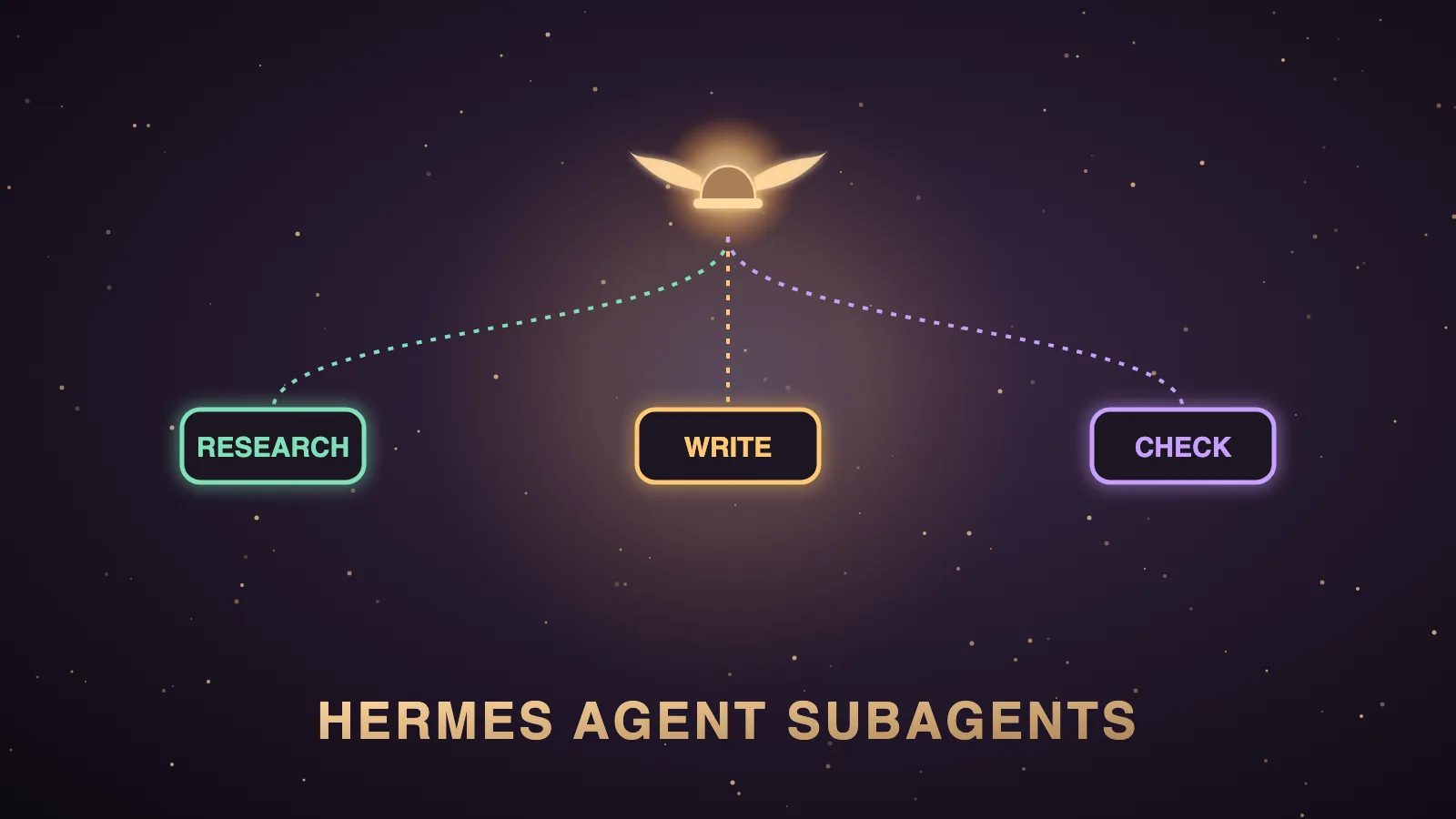 Hermes Agent Subagents: What They Are, How delegate_task Works, And The Models Behind Them
 The Best Hermes Agent Setup: Six Stacks Ranked, Then The Brain To Run In Each
🌐 Sister-site take:
- 📺 Video notes + links to the tools
- 🆓 Get a FREE AI course + community + 1,000 AI agents
- 🎥 Learn how I make these videos