GoldieBench Blog · 6 min read
Hermes Agent Apple Health: How To Connect Apple Health To Hermes Step By Step, Five Connectors Compared
Five connectors, one private profile and a quick check. Here is each connection step by step, with a short note on which model to run at the end.
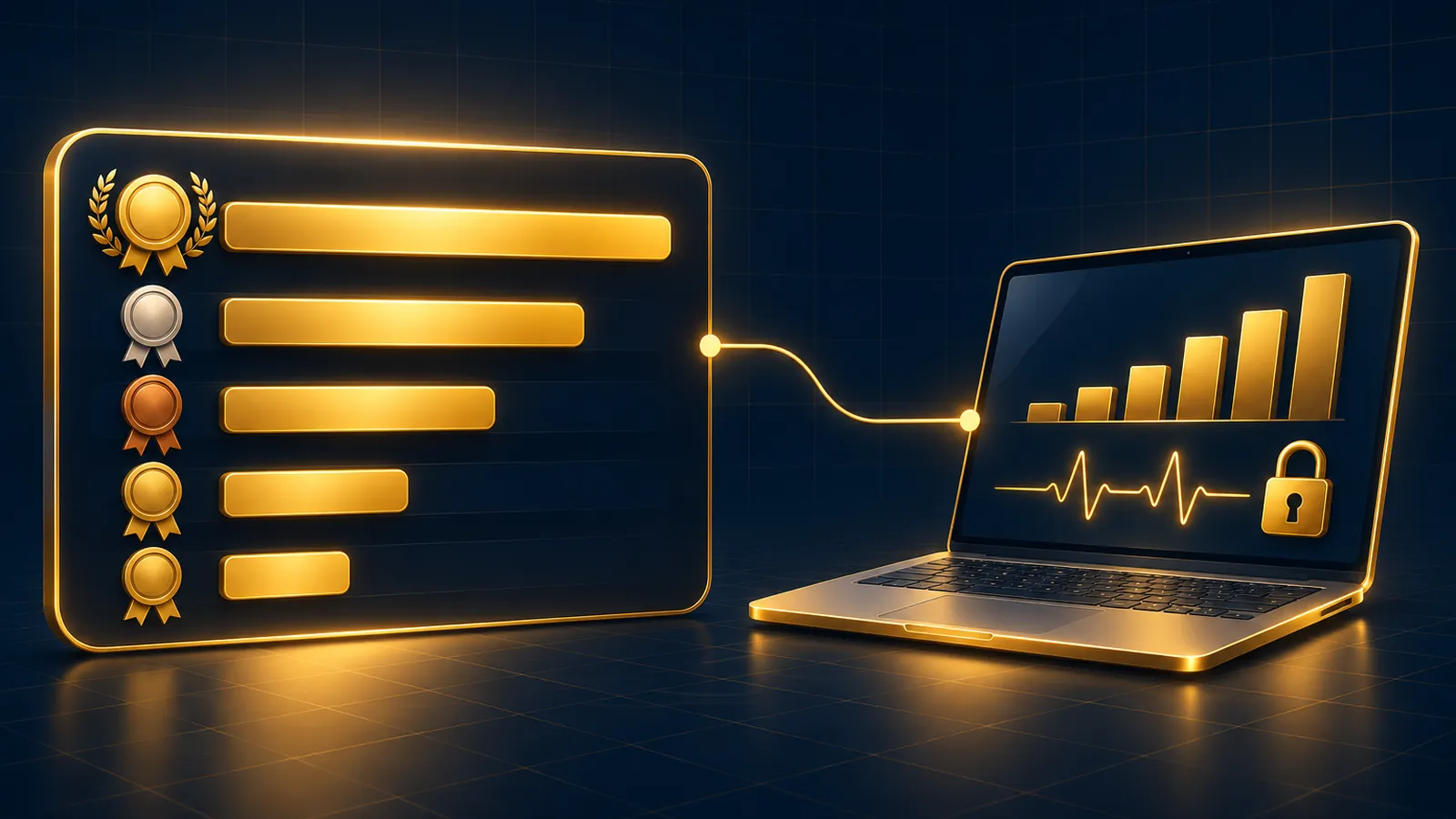
Hermes agent apple health works once you pick a connector for your data, and there are five: three ways to move your numbers (an export file, a Mac app, a self-hosted receiver), one report layer on top of the receiver, and one App Store sync app.
This page walks through each connector step by step, compares what they read, then closes with a short note on which model to run in the profile.
If you would rather my team set it up with you, book a free SEO strategy session.
What You Are Connecting
Apple Health keeps your data on the iPhone. Hermes needs a copy it can read.
Four connectors are community entries in the Hermes plugin catalogue, reviewed and pinned to one commit per the catalogue docs. The fifth, Health Sync, is a third-party iPhone app.
| Connector | Reads | Data path | Runs on |
|---|---|---|---|
| apple-health-mcp | Workouts, steps, heart rate, HRV, sleep, cycle tracking | Your export.zip | Node.js 20+ machine |
| apple-health-analyzer | Steps, sleep, workouts, heart rate, HRV for one date | Health Data AI Analyzer Mac app | Same Mac, macOS only |
| healthrelay | Ten read-only tools over synced data | HealthRelay iPhone app to your receiver | Your own machine |
| health-insights | Local trend reports | The same receiver database | Your own machine |
| Health Sync for AI Agents | Categories you choose | Encrypted sync from the app | iPhone plus Agent Skills package |
Step 1: Make A Private Profile
Run hermes profile create health, which the profiles docs say also creates a health alias. Keep gateways off this profile, because tool access covers anyone who can use it.
Step 2a: Connect With An Export File
- On iPhone, open Health, tap your profile, choose Export All Health Data.
- Copy export.zip to the Hermes machine.
health plugins install davidmosiah/apple-health-mcp/agent-plugin --no-enablehealth plugins enable apple-health-mcp, then run its setup and doctor commands.
Details are on the apple-health-mcp page, and Apple's export guide covers the first step. Re-export whenever you want fresher data.
Step 2b: Connect Through The Mac App
health plugins install apple-health-analyzeron Hermes 0.23.1+.- Switch Local API on in the app's Integrations screen and choose a dataset.
- Paste the token into the masked field in Hermes settings.
- Turn on Allow health summaries in Hermes yourself.
The catalogue page lists it for macOS only, and it joined in the 15 November 2026 canary.
Step 2c: Connect Through Your Own Receiver
health plugins install healthrelay- Let its setup skill guide you through the receiver and the HealthRelay iPhone app.
- Write the database path to
~/.config/healthrelay/db-path. - Run
healthrelay-mcp --check, then start a new session.
The healthrelay entry is read-only, with no raw SQL. The HealthRelay project supplies the receiver and the iPhone app, which you build or get as a beta build on request.
Step 3 (Optional): Add Local Reports
On top of the receiver, health-insights adds skills and a pipx CLI. health-insights demo writes synthetic data so you can see the weekly report before using your own. Its README says nothing is uploaded and labels the output informational only.
Or: The App Store Route
Health Sync pairs your phone and agent with a QR code, and Hermes uses its Agent Skills package. The App Store listing says data is encrypted on-device before upload. It is outside the catalogue, so check the skills package yourself.
Which Connector For Which Setup
- First try, any computer: the export file with apple-health-mcp.
- Mac already running the analyzer app: apple-health-analyzer.
- Home server and fresh data: healthrelay, plus health-insights for weekly trends.
- No self-hosting at all: Health Sync from the App Store.
If two connectors look equal for your setup, choose the one with fewer moving parts. Every extra piece, whether a receiver, an app or a token, is one more thing to keep updated and one more place your data passes through.
You can change later. Remove the old plugin from the profile when you switch, so your agent never mixes an old export with newly synced numbers.
Gotchas To Expect
- MCP-based connectors load at session start, so open a new chat after any install.
- healthrelay only reads its db-path file; environment variables set in the shell don't reach it.
- health-insights exits with an error, not an empty report, when its database path is wrong.
- apple-health-analyzer returns null for missing values, and refuses to swap in another day.
- The export routes never refresh themselves.
- Docker images can lose healthrelay's MCP tools; its README fixes that with hermes pm install --extra mcp.
Most of these show up in the first hour. Run each connector's own check before you blame the model or the prompt.
Check It Worked
In a fresh chat in the health profile, ask the agent which health tools it can see, then ask for steps on one date you know is in your data.
A good answer names the plugin, shows units as returned and says not recorded or unavailable when a value is missing. Every connector documents its output as records or information, not medical advice, so keep questions about meaning for a qualified professional.
A Short Note On Models
Whatever the connector returns reaches the profile's model, so pick that model with privacy first.
The task itself is light: turn a request into a tool call, keep units as returned and report gaps plainly. A modest model handles that, so the deciding factor is where it runs.
Run the shortlisted model through the check above before you trust it with a week of dates.
On the GoldieBench local models page on 16 November 2026, Qwable 5 27B Coder led the on-device list at 7.14, run through Apple MLX, with Gemma-4 12B Coder at 4.25 via Ollama. On the main leaderboard, Claude Opus 5 averaged 8.27 and GPT-5.6 Sol 8.16.
Those averages come from one-shot HTML builds, per the methodology, not from any health-data task. Hermes MoA (8.17) is a panel of models via OpenRouter, per its model page, which means more recipients, so a single model is the better fit here.
My Verdict On Connecting It
Start with the export file, then move to healthrelay or Health Sync if you want fresh data, and pick apple-health-analyzer only if you already use the Mac app. Run any of them in a private profile with a local model.
For more plugin picks, see our best Hermes Agent plugins rundown.
For the Agent OS behind this setup, join the AI Profit Boardroom.
Also On Our Network
- Agent Operatorsthe exact install commands for all five ways to connect Apple Health to Hermes
- AI Income Deskthe five ways a business owner can connect Apple Health to Hermes, in plain English
- AI Tool Verdictall five Apple Health options for Hermes compared on what they need and who they suit
- agentos.guidethe five bridges that connect Apple Health to an Agent OS, with check prompts
- aiprofitboardroom.comthe complete Hermes Agent Apple Health guide on AI Profit Boardroom
Pick a connector, make the private profile, run the check, then talk it through on a free strategy call or with members of the AI Profit Boardroom while you finish your hermes agent apple health setup.
FAQ
How many ways are there to connect Apple Health to Hermes?
Five: apple-health-mcp, apple-health-analyzer, healthrelay, health-insights on top of healthrelay, and the Health Sync iPhone app.
Which connector should I set up first?
apple-health-mcp with an export.zip. It has the fewest moving parts and tells you quickly whether the data is useful.
Does the model choice matter for this plugin?
Mostly for privacy. The connector's results reach the profile's model, so a local model keeps them on your own machine.
Do GoldieBench scores test health data?
No. The methodology is one prompt, one shot, one HTML file. Use the scores to shortlist, then check the model in your own profile.
Which connector updates on its own?
healthrelay, via its iPhone app and your receiver, and Health Sync, which can sync on a schedule or when new data appears.
Is any connector made by Nous Research?
No. The four catalogue entries are community tier, and Health Sync is a third-party app.
Keep reading
 The Best Hermes Agent Plugins In 2026: My Ranked Top 10, Then The Models That Run Them Best
 Hermes Vault + Which AI Models To Pair With It: Real GoldieBench Scores For Logged-In Agent Work And Unattended Runs
 Hermes Agent Cron Job + Which AI Models To Pin On Each Schedule, With Real GoldieBench Scores For Opus 5, GPT-5.6 Sol, Kimi K3 And Gemini 3.6 Flash
🌐 Sister-site take: read this on agentos.guide